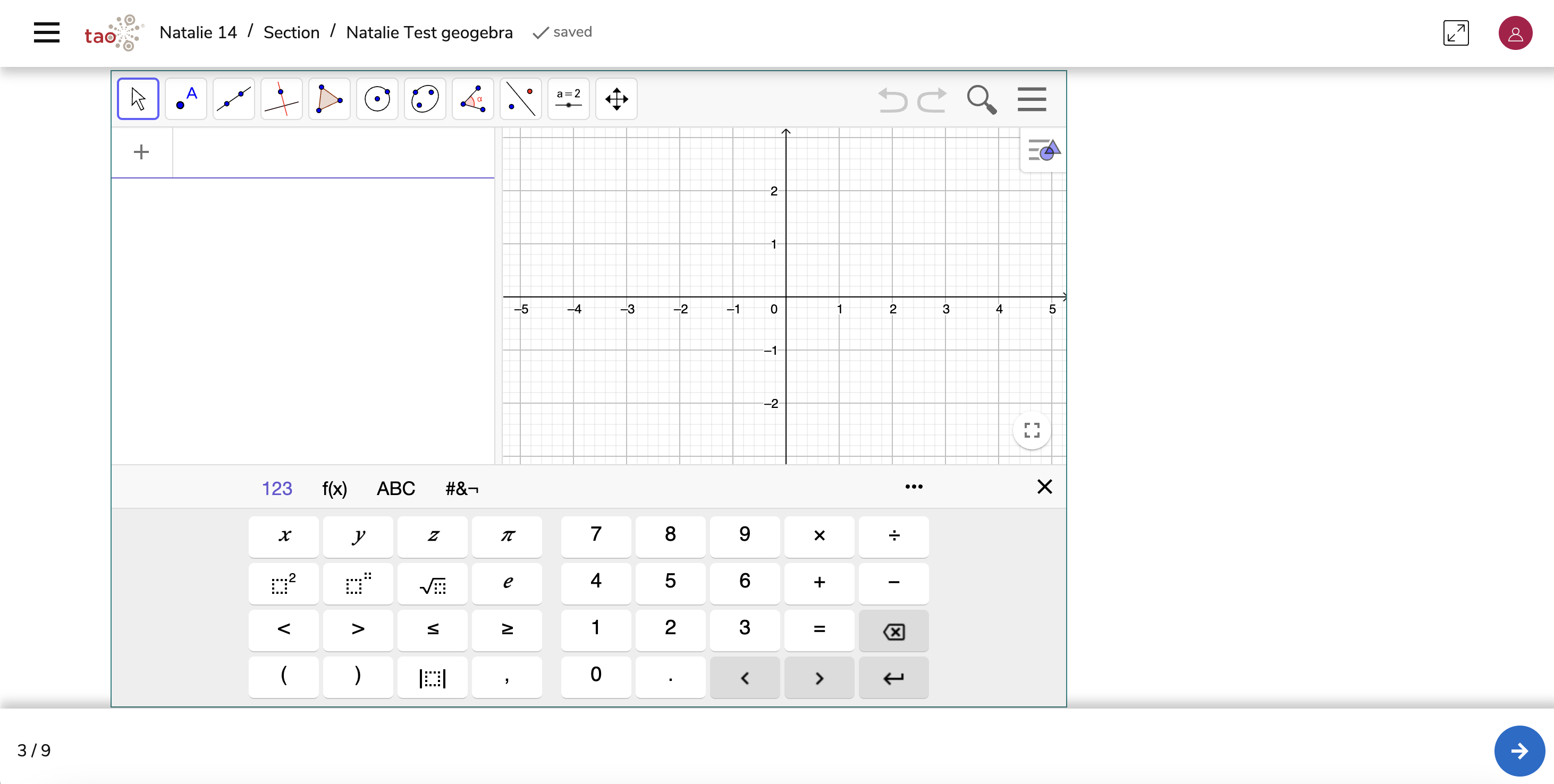
The GeoGebra open-source Portable Custom Interaction (PCI) is supported by TAO and opens up extensive possibilities for enhancing math and science assessments. It fully adheres to PCI standards and can be used multiple times within a single item, allowing you to combine it with other interaction types.
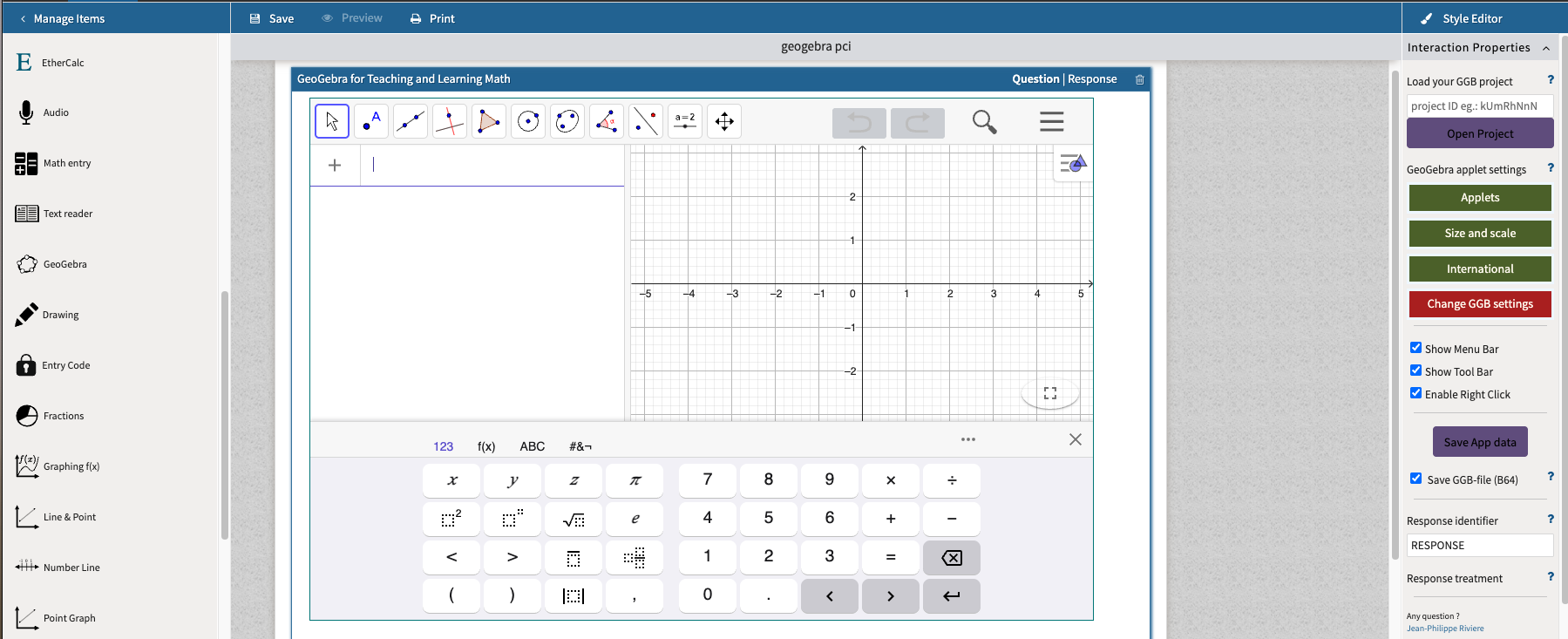
GeoGebra can also be used as a complementary visualization and calculation tool within an item, allowing students to explore concepts, calculate values, and record data as part of a larger problem-solving task. GeoGebra supports a wide variety of configurations; it can serve as a math editor, spreadsheet, dynamic geometry environment, or a 3D graphing tool.
Download the open-source interaction here: https://www.geogebra.org/m/rpq3j8az
1. Configure the interaction’s display properties
Under Interaction Properties, you can control the way GeoGebra appears and functions.
-
Under Applets, choose whether GeoGebra should appear as a geometry workspace, algebra view, spreadsheet, CAS (Computer Algebra System), 3D graphing view, or a notes space.
-
You can also load a predefined GeoGebra file (.ggb) directly from your computer or the GeoGebra Cloud.
-
Adjust the size and scale to best fit your view type.
-
Under International, select a language.
-
Enable or disable GeoGebra’s toolbars and menus depending on the complexity of your item.
2. Configure the interaction’s Response Properties
Scoring in the GeoGebra interaction can be adapted depending on how the item builder wants to interpret and assess the learner’s response. There are three main approaches for defining scoring and response processing:
-
JSON-Based output (Custom Scoring):
-
Configure GeoGebra to generate a JSON string as output.
-
This string can contain any relevant information such as text, numerical values, or boolean validations.
-
The item builder defines which variables or outcomes are relevant for scoring.
-
-
-
Configure the interaction to capture the final state of the GeoGebra applet as a Base64 (B64) image representation.
-
This captured state can then be reloaded or reviewed by human scorers for manual evaluation.
-
Ideal for open-ended or exploratory items where a visual check is required.
-