
The Entry Code interaction allows test authors to introduce a breaking point within a test. Test takers can continue the test beyond the item containing the Entry Code interaction only after entering the correct code. The Entry Code interaction is one of the Portable Custom Interactions which is part of the standard TAO Advance package.
The Entry Code interaction does not trigger any score calculation or contribute to the overall score of the test.
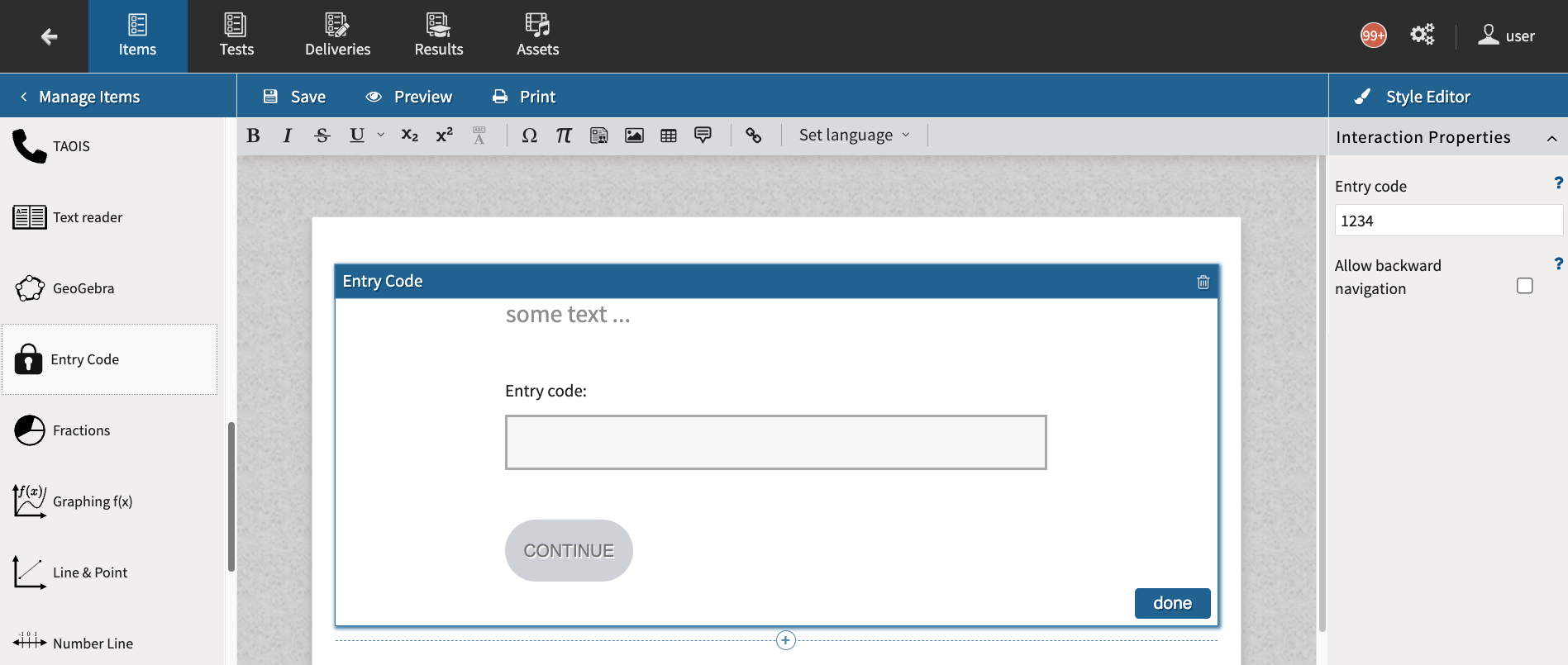
To record the correct code for the interaction, use the Entry code text box in the Interaction Properties Panel.
Non-linear navigation
Navigation by default is fully disabled when the test taker is on an item with the Entry Code interaction. Select the Allow backward navigation box to allow test takers to return to previous items in test parts with non-linear navigation (see Test Part settings).
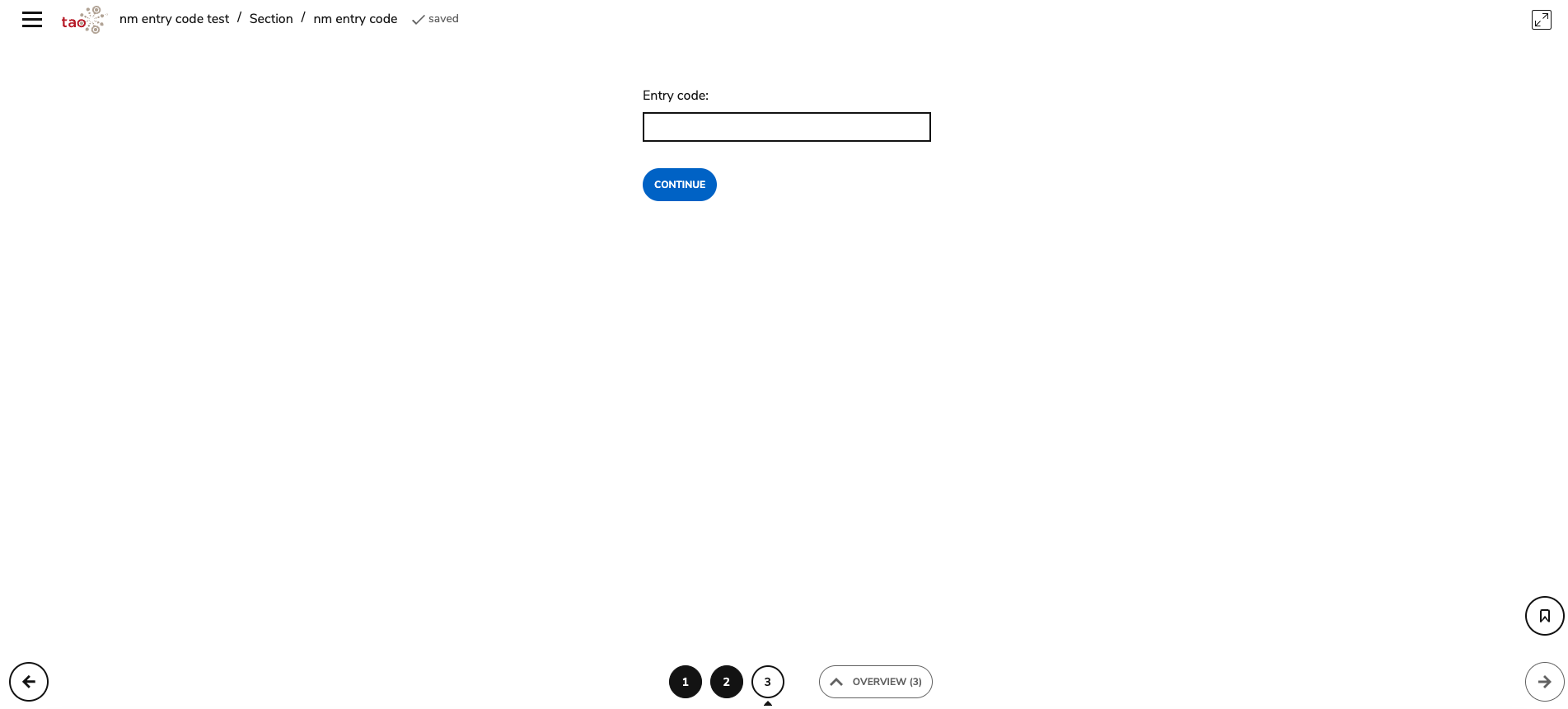
Regardless of whether backwards navigation is enabled, if the Entry Code interaction is not the last item in the test, test takers will not be able to use the arrows to navigate to items ahead of Entry Code interaction without entering the code. However, test takers will still be able to jump to items ahead of the Entry Code using the number line or the Overview panel.
Timers
Any timer set for the test, test part, or test section will continue to run while the test taker is on the item with the Entry Code interaction.