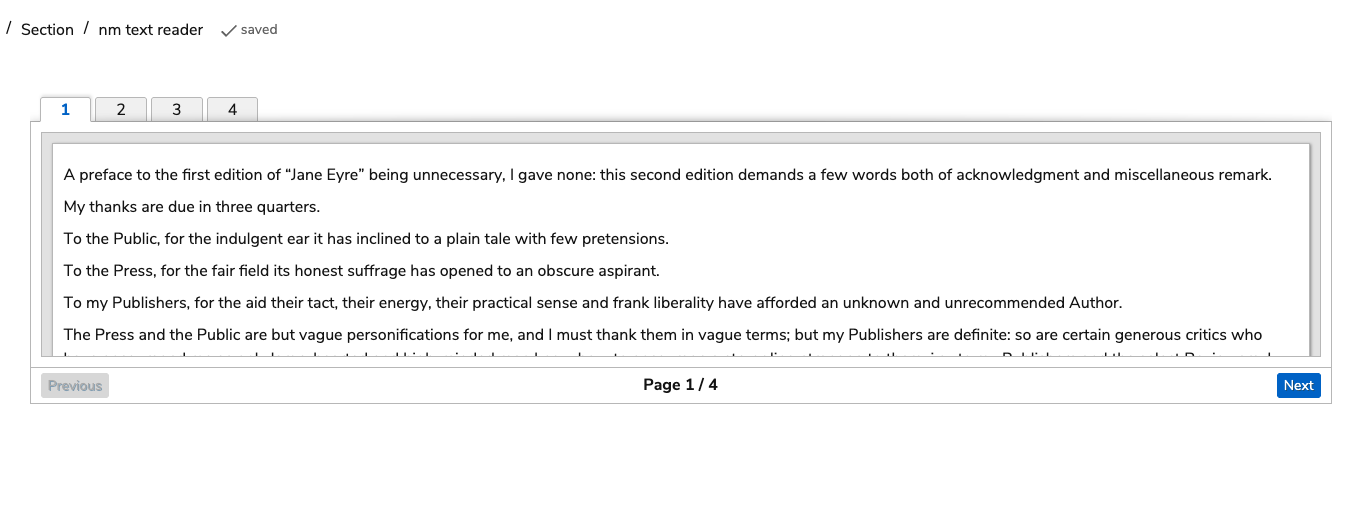
A Text Reader interaction is useful if you wish to add a long text to the item, which you would like the Test-taker to read. The Text Reader Interaction is one of the Portable Custom Interactions which is part of the standard TAO package.
The Text Reader offers a scrollbar for longer texts, as well as other paging facilities such as Next and Previous buttons.
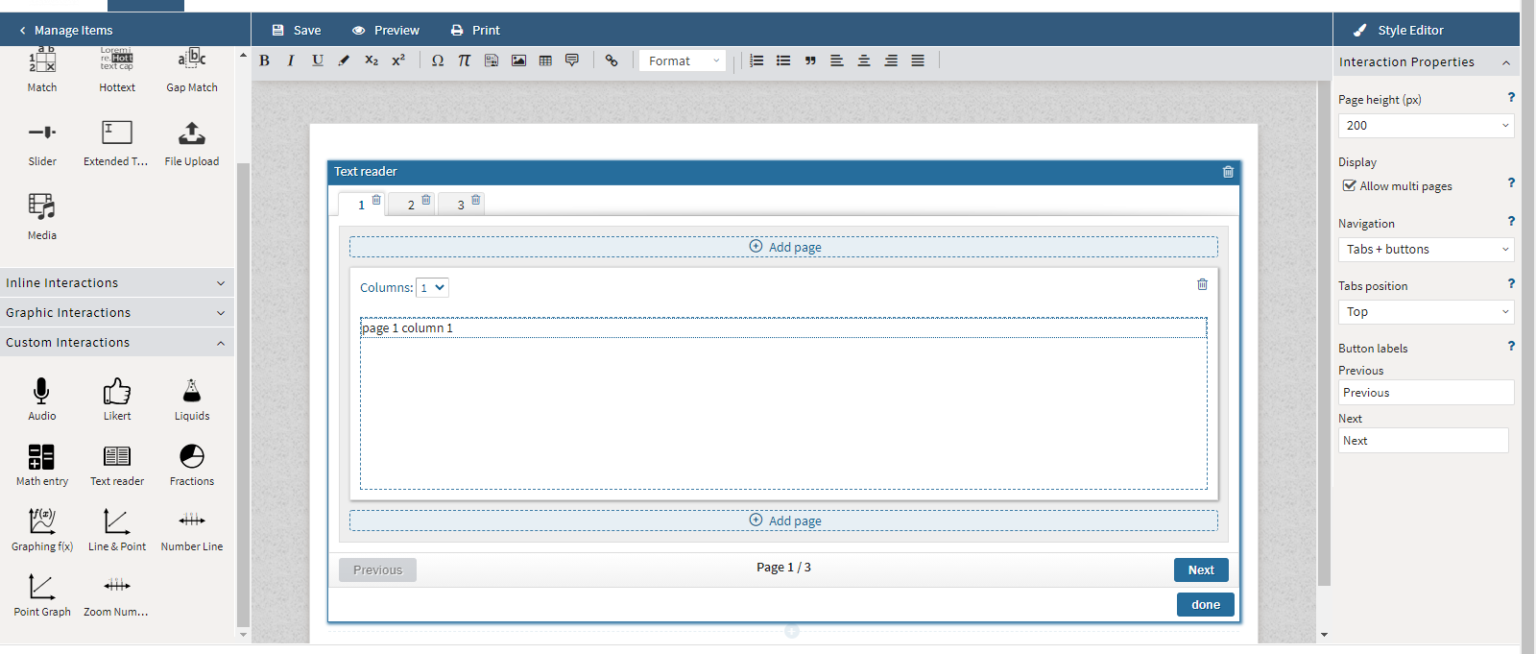
Add columns as needed in the interaction.
In the Interaction Properties, adjust the page height. Checking allow multi pages enables the ability to add pages as needed. If this is not enabled, the interaction’s text will display as a single text with a scroll bar.
If there are multiple pages, adjust the navigation as needed. For example, if Tabs and Buttons is selected from the drop-down menu, the test taker will have the option of navigating to the next page either by selecting the tab or clicking the Next button.
If buttons are enabled, the text that appears may be adjusted.