
🎉 TAO October 2026 Release Highlights! 🎉
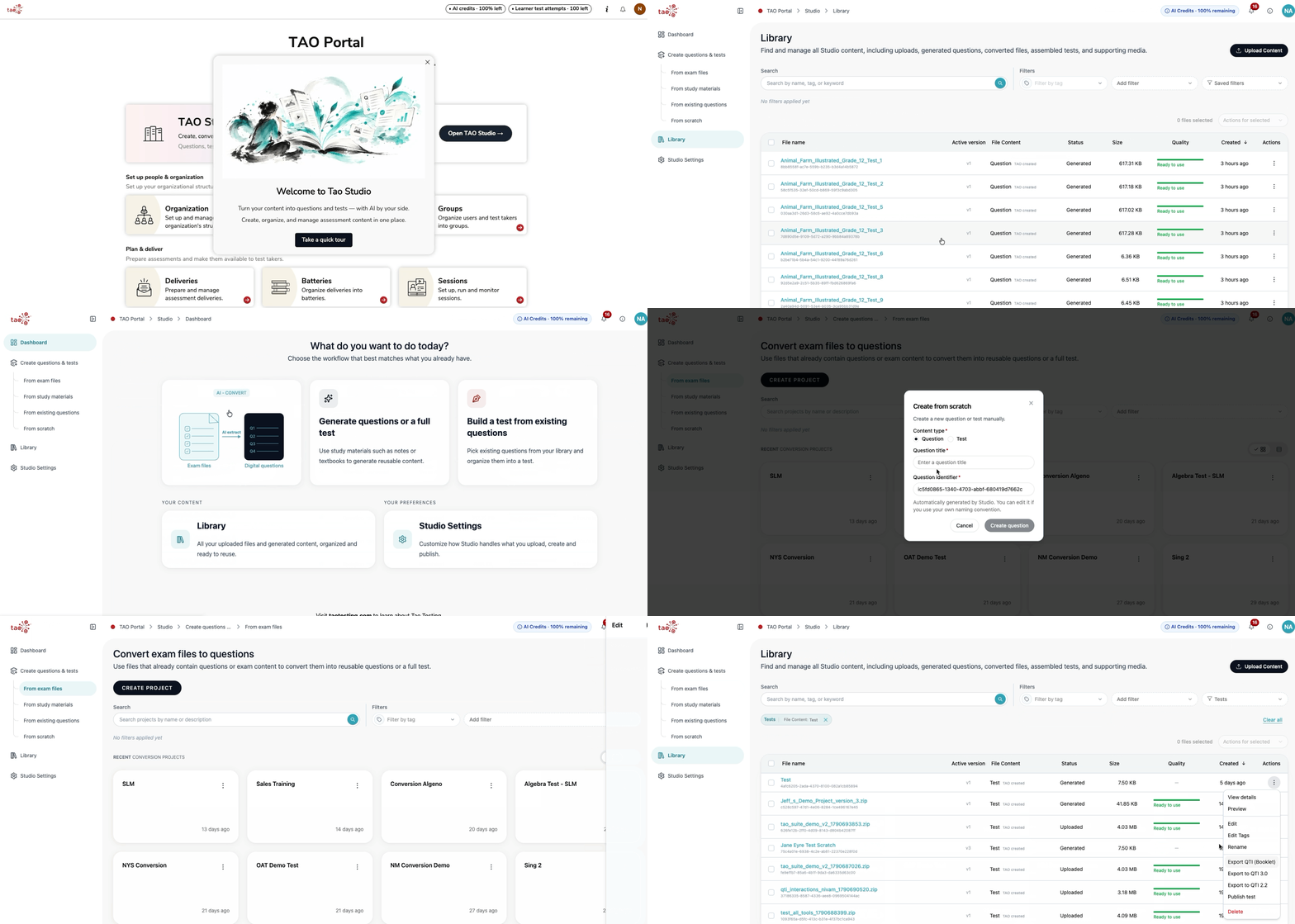
Introducing TAO Studio
TAO Studio is now available in TAO Portal as an upgraded Authoring tool, providing a central workspace to create, import, convert, and organize assessment content.
-
Convert existing exam papers and curriculum documents into digital QTI items and tests, or create content directly using a streamlined authoring interface.
-
Metadata and tags help keep your library organized, while AI-assisted tools support content conversion, generation, tagging, and initial analysis.
-
Published tests are assigned to sessions through the standard Portal workflow.
The initial release is free and includes all TAO Studio features, with limits on the number of AI-assisted projects and publishable deliveries. For more information, see TAO Studio.
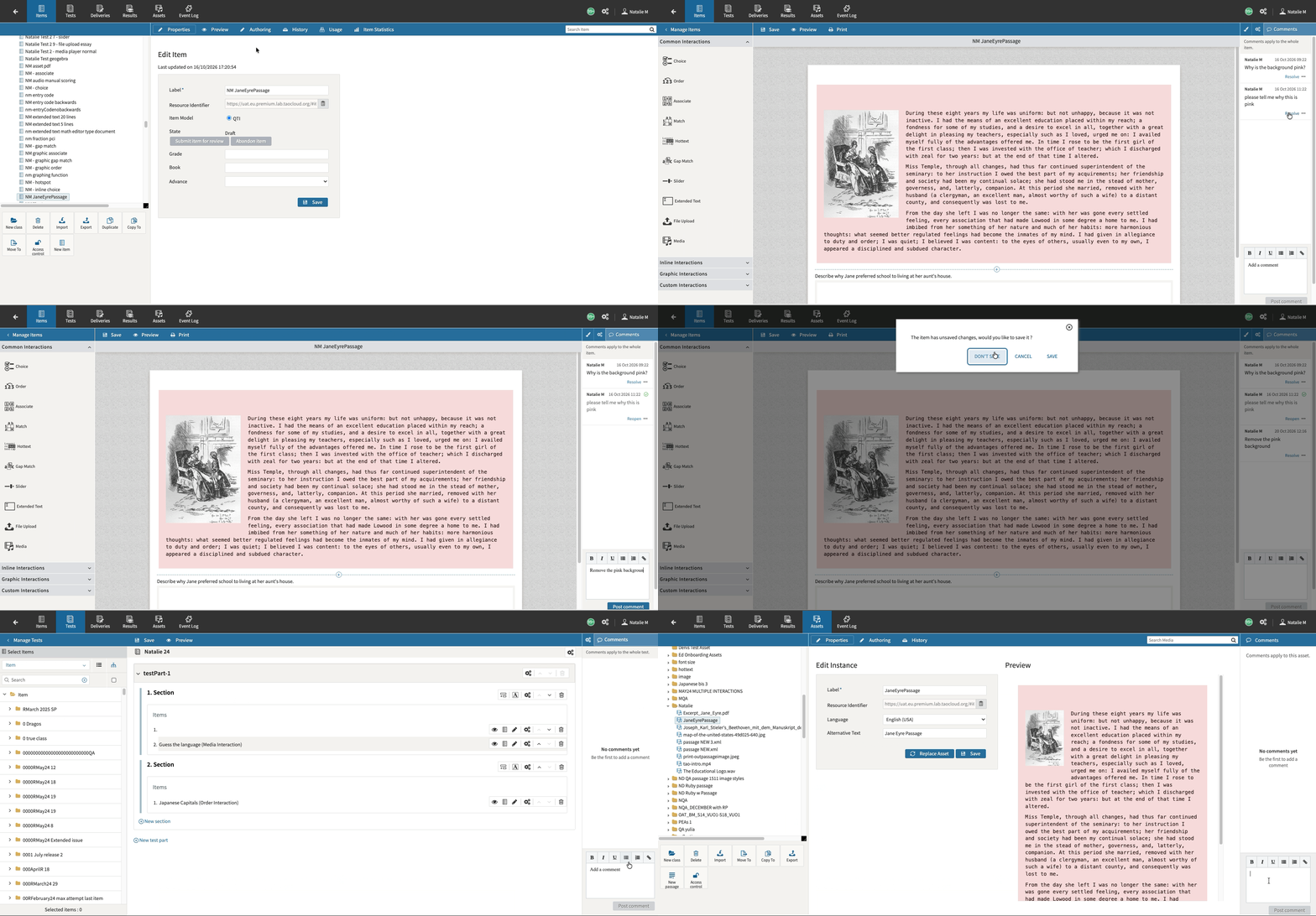
Introducing commenting in Authoring
Authors using the standard authoring tool can now leave comments on items, tests, and assets. This feature supports user tagging, tag-related email notifications, and basic rich-text formatting such as bold, italic, underline, lists, links, and formatting removal across supported object types. For more information, see Commenting on items, tests, and assets.
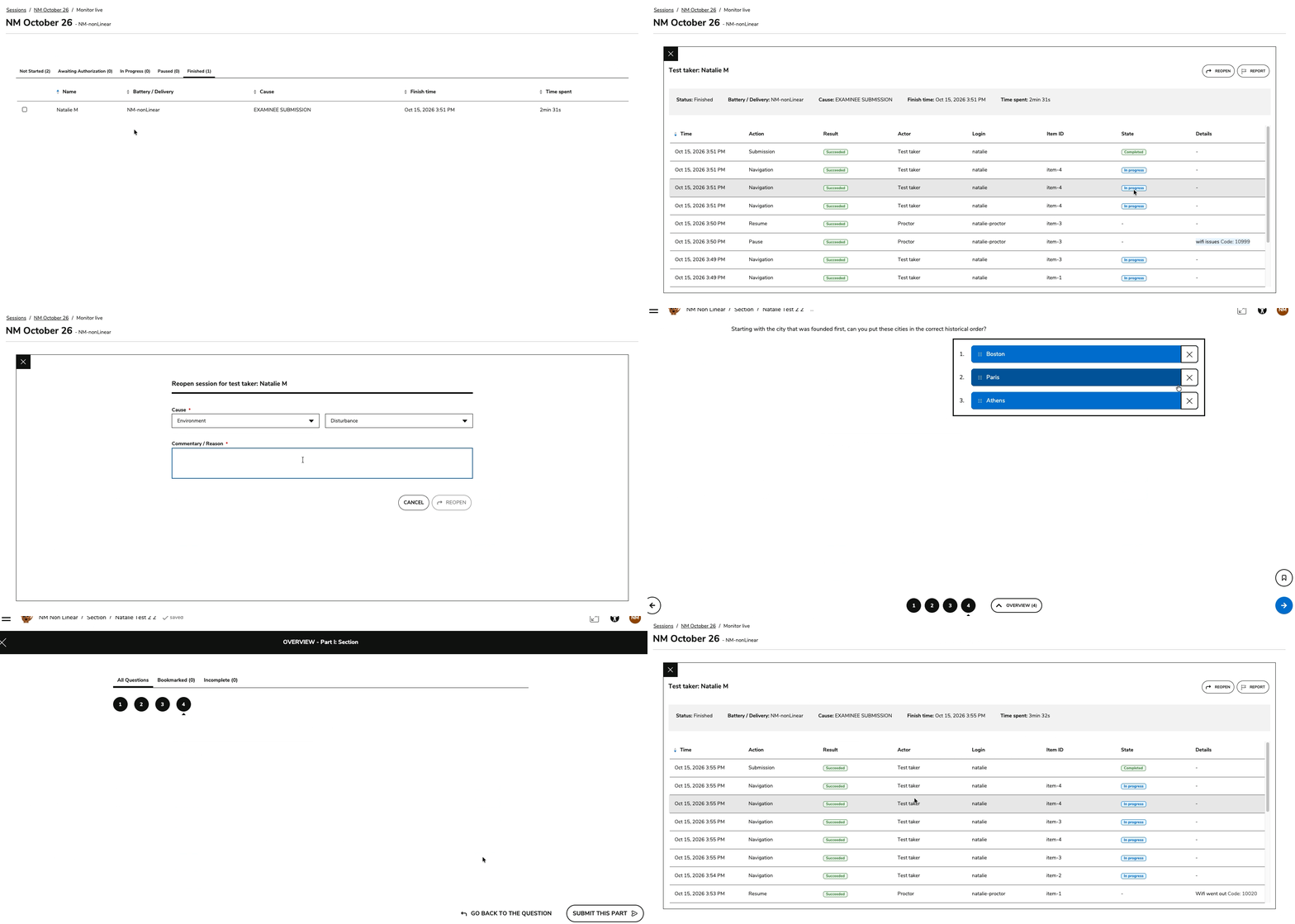
Complete proctoring event history
Test-taker events (such as starting, moving within, or submitting a session) are now captured by default in Proctoring ACS logs for new assessment sessions, restoring a combined chronological timeline of test-taker and proctor actions while maintaining performance and scalability. For more information, see Managing test takers during a live session.
Release enhancements
TAO Authoring
Features and improvements
-
Cleaner QTI booklet exports: Test exports into DOCX and PDF now remove unnecessary response character and word counters from open-ended interactions and answer numbering from multiple choice options for a cleaner PDF or DOCX layout.
Bug fixes
-
Bug fix: Fixed an issue where choices positioned at the top in non-tabular Match interactions could disappear after selection in Preview or Delivery.
-
Bug fix: Fixed Match interaction maximum-use limits so row, column, and configurable whole-table constraints are applied correctly in supported tabular and non-tabular modes.
-
Bug fix: Fixed default choice positioning for existing Associate, Gap Match, and Graphic Gap Match interactions so previously authored items keep their expected choice layout in Authoring, Preview, and Delivery.
-
Bug fix: Fixed non-tabular Match interaction choice boxes in two-column item layouts so choice text remains readable instead of collapsing into vertical one-letter lines.
TAO Advance
Features and improvements
-
User information widget for test-takers: TAO Advance can now display the test taker’s user information during test execution by default, with a System Settings option to enable or disable the widget per tenant. For more information, see System Settings TAO Advance.
-
Enforced response limits for rich-text Extended Text interactions: Rich-text Extended Text interactions can now prevent typing or pasting responses that exceed configured word or character limits, with clearer word-count feedback for test takers. For more information, see Extended Text interaction.
Bug fixes
-
Bug fix: Fixed Graphing Number Line PCI rendering in Solar Test Runner so controls are visible, remain within the interaction boundary, and deleting added lines no longer causes errors.
-
Bug fix: Fixed expanded line spacing when Text Entry interactions are inserted into inline interaction block text in preview and test-taker views.
-
Bug fix: Fixed an issue where Scratchpad functions could stop responding after one function was used during a test.
TAO Portal
Features and improvements
-
Extended tags for Portal entities: Tags now include extended tag data across sessions, groups, and users, enabling API and Data Explorer filtering based on related entity tags. For more information, see Using tags in TAO Portal in the Knowledge Base.
-
Expanded field editing in bulk operations: Significantly expanded the set of editable fields supported by Data Explorer bulk operations across Sessions, Groups, and Users, including dates, security rules, and tags. For more information, see Editing in bulk using Data Explorer.
-
Bulk data removal: Enabled soft deletion via Data Explorer for deliveries, batteries, groups, sessions, and users, cleaning up associated enrollments while safely retaining historical audit records. For more information, see Editing in bulk using Data Explorer.
-
Audit logging for Data Explorer requests: All queries, views, and data exports (CSV/XLSX) performed in Data Explorer are now captured in the activity log with user, timestamp, index, and filter criteria. For more information, see Datastore Activity Logs.
Bug fixes
-
False required error on password change: Fixed an issue where the Current Password field displayed a false "This field is required" error immediately after a user successfully changed their password.
-
Public session Start button layout: Fixed an issue where public session cards with long titles and end dates pushed the "Start" button outside the visible card container.
-
Diagnostic tool bandwidth threshold inputs: Resolved input field validation issues that prevented administrators from saving valid high or low download bandwidth threshold values.
TAO Insights
Bug fixes
-
Bug fix: The Time spent per question report now reflects the group average dynamically as test takers complete their sessions, instead of showing the most recent test taker’s duration.
-
Bug fix: Session reports now only count each test taker's last attempt, when a session has been reset and reopened, or an item allows more than one attempt.
-
Bug fix: Filtering on specific test takers in the Group Performance report no longer changes the total test-taker counts in the header and the Activity column.
-
Bug fix: Test-taker reports can be opened from Finished sessions again when read-behind was set on the session and later turned off.
-
Bug fix: Downloading a report as PDF now runs in the background. You get a notification when the file is ready, so large reports no longer time out.
-
Bug fix: Report widgets in the test-taker and session reports now have alt text for screen readers.