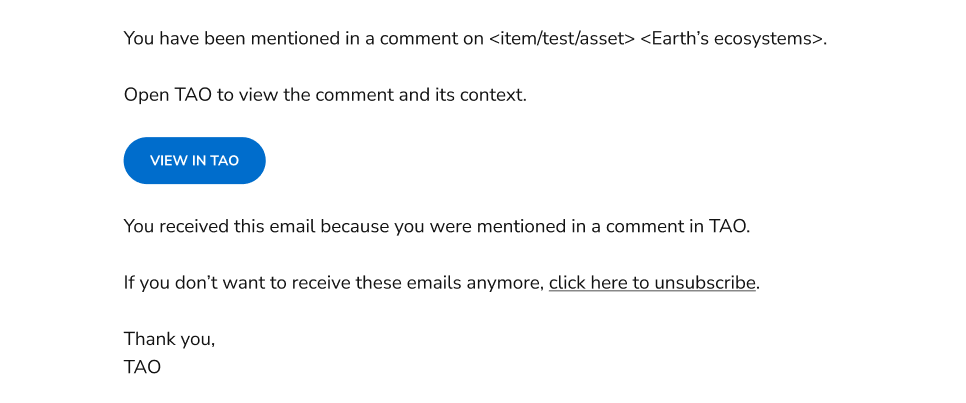
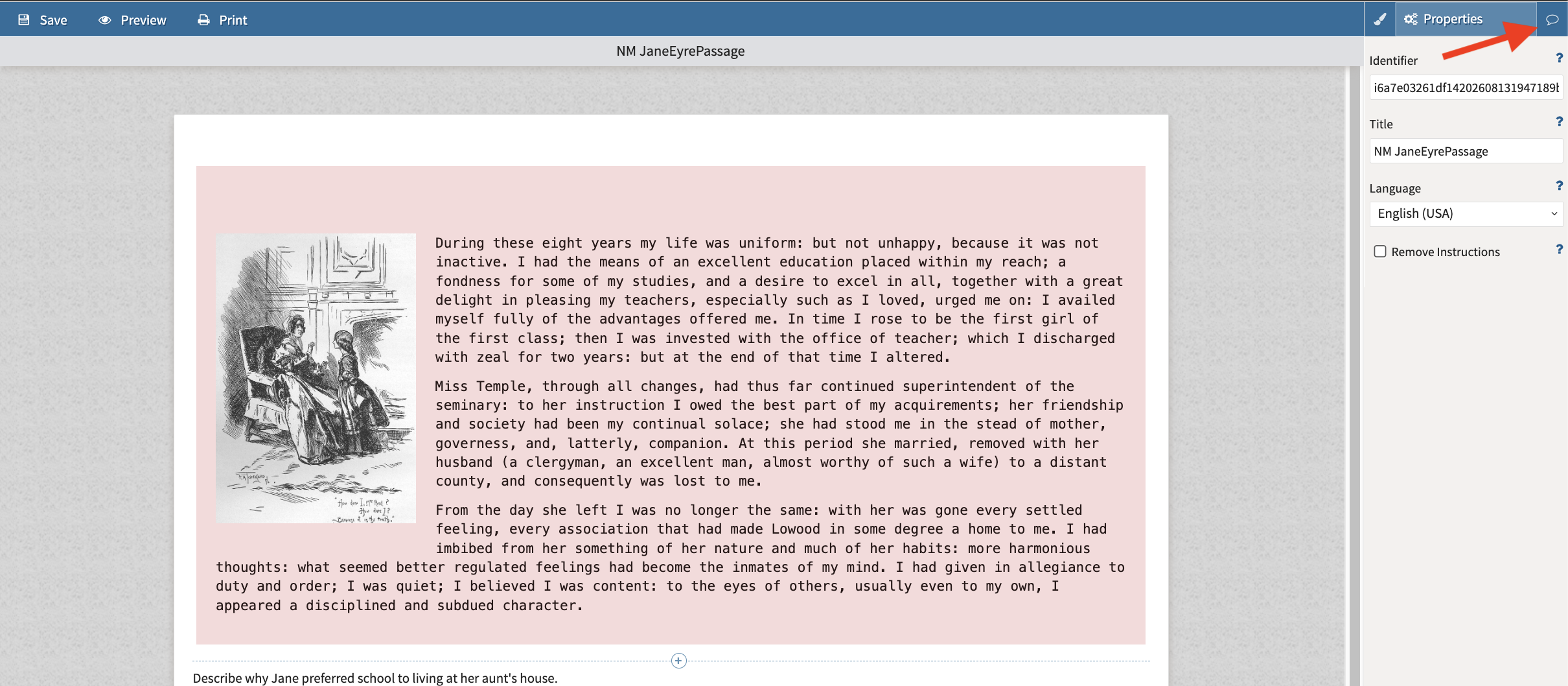
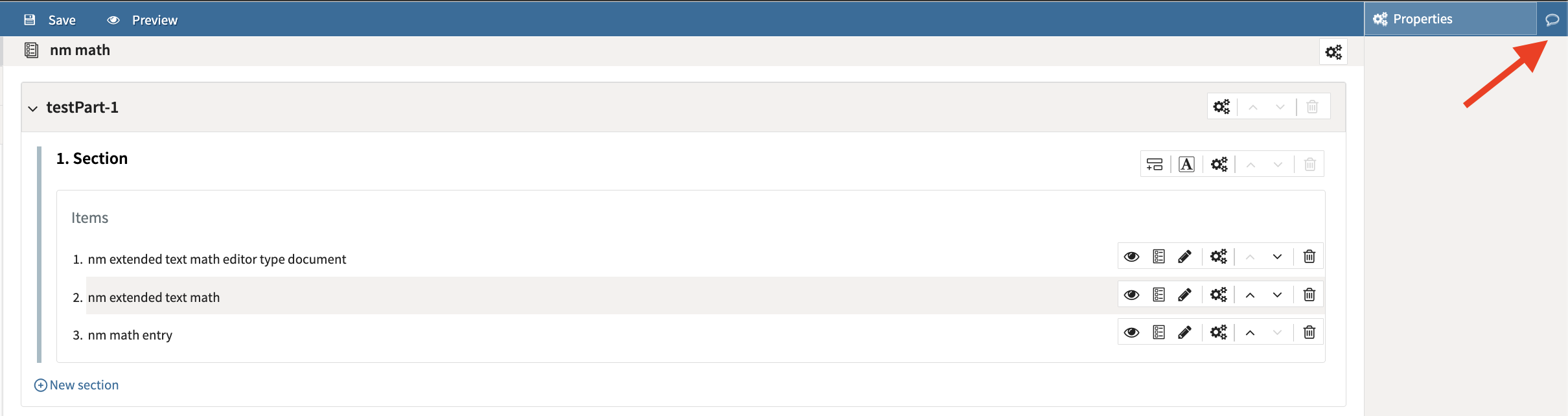
There is an option to add comments (and tag users) in items, tests, and assets. Comments allow users to collaborate on items, tests, and assets without editing the content itself.
Comments are displayed in a side panel, not inline, and are saved separately from the associated content.
Where to add comments
Items: To the right of the item properties panel.
Tests: To the right of the properties panel.
Assets: Select an asset in the library to open its preview. The comments panel appears to the right.
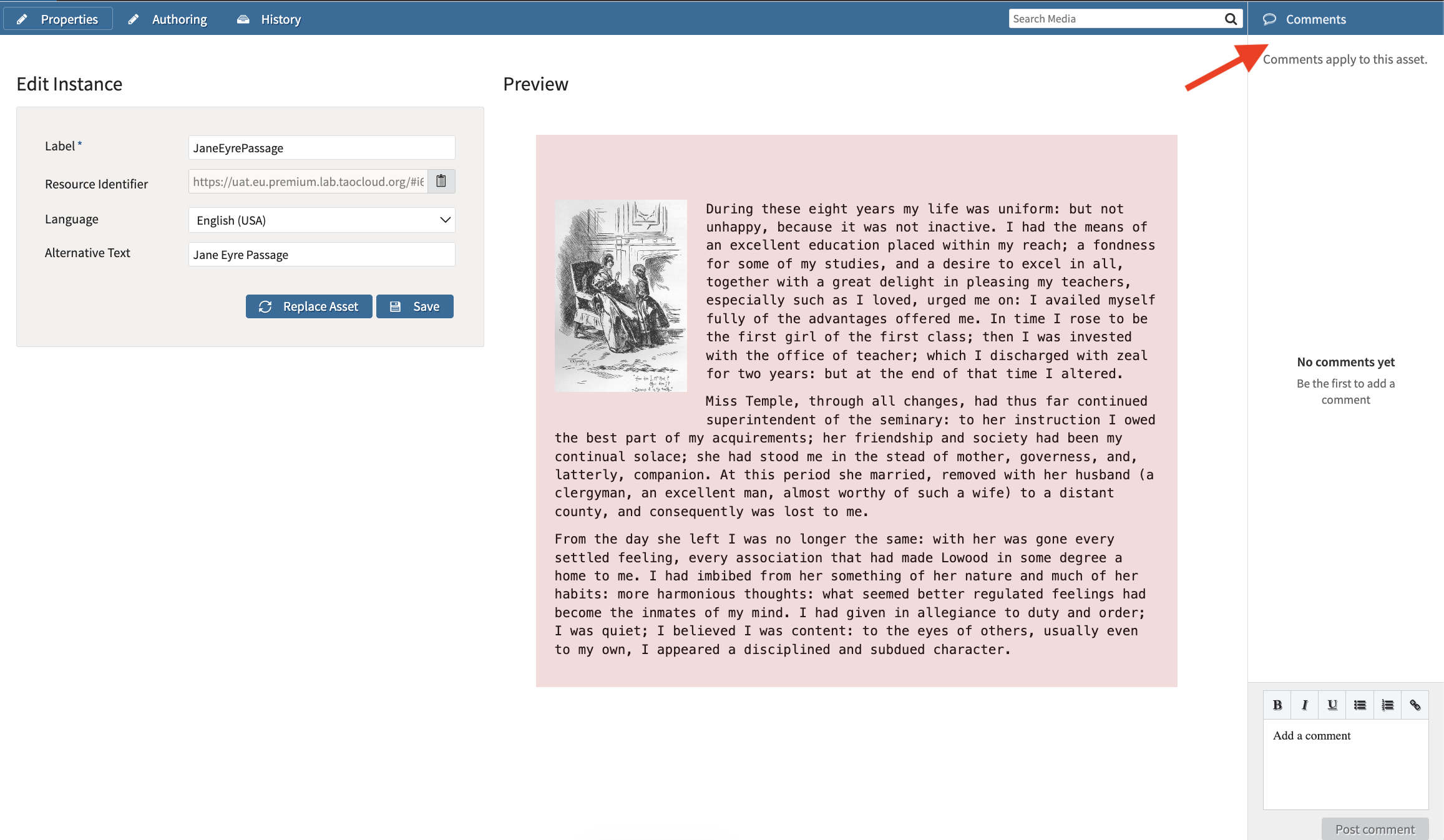
Posting comments
Posted comments remain saved even if you close the authoring window without saving changes to the item or test.
Rich text formatting is supported.
Click Resolve to mark a comment that has been addresses.
Resolved comment remain visible and available to reopen. A comment must be deleted for it to be removed.
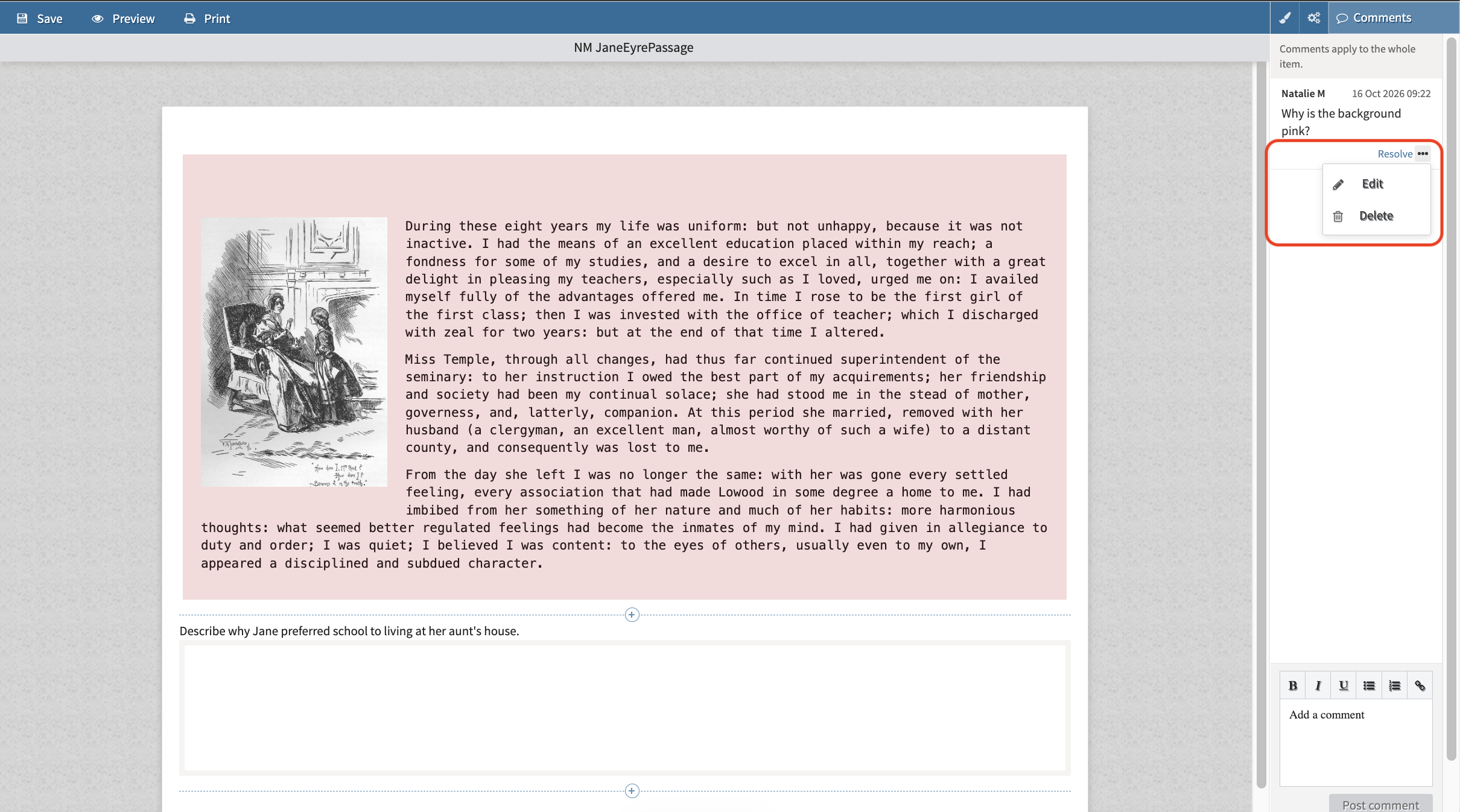
Select the ellipses menu to edit and delete comments.
Mention users in comments
To mention a user, type @ and select their display name from the suggestions. Mentions use profile names rather than usernames.
Only mentions selected from the suggestion list are recognized. Typing @ followed by a name without selecting a suggestion does not trigger a notification.
The search for tagging users is case-sensitive.
Email notifications
When comment mention notifications are enabled for the TAO instance, users with a verified email address receive an email when they are mentioned in a successfully saved comment.
-
Notifications are sent only for newly added mentions. Editing a comment without changing its mentions does not trigger repeat notifications.
-
Emails identify the item, test, or asset and include a link to view the comment in TAO.
-
Emails do not include the full comment text or the underlying content.
-
Users can unsubscribe from comment mention emails without removing existing mentions or preventing future mentions in TAO.