
🎉 TAO September 2026 Release Highlights! 🎉
TAO Knowledge Base
Check out the new TAO Knowledge Base, where we are providing additional articles and playbooks aimed to improve the user experience by focusing on TAO workflows.
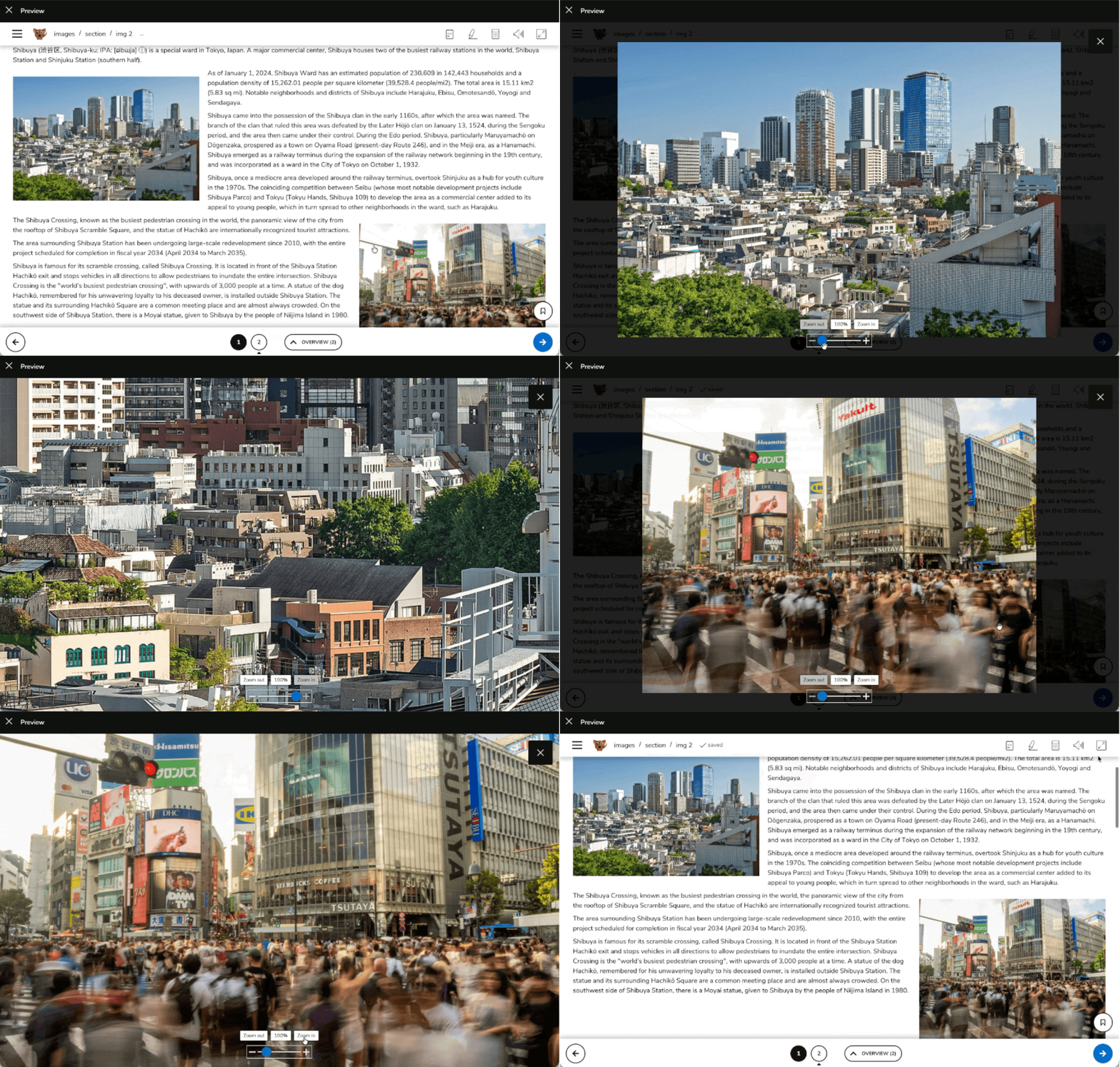
Live item preview
Authors can now quickly view a live preview of an item when selecting it in the item bank, making it easier to identify and work with the right content without opening the full authoring or preview workflow. For more information, see Previewing an item.
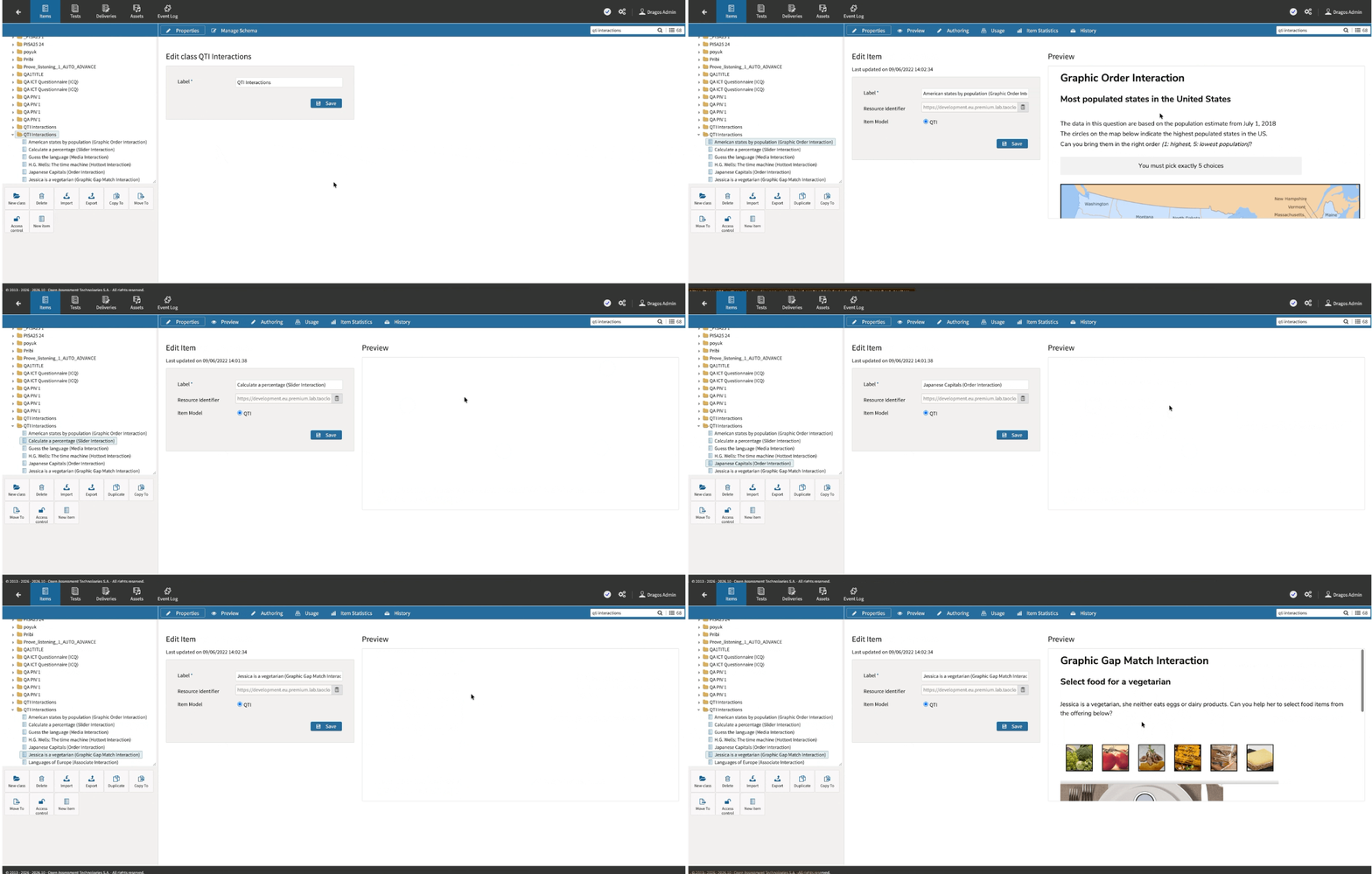
Additional Match interaction display options
Introducing a new, non-tabular rendering for the Match interactions, which can be used by authors to set the position of choices around the answer area. The new option can be configured instead of the default tabular (table-based) rendering of the Match interaction. For more information, see Match interaction.
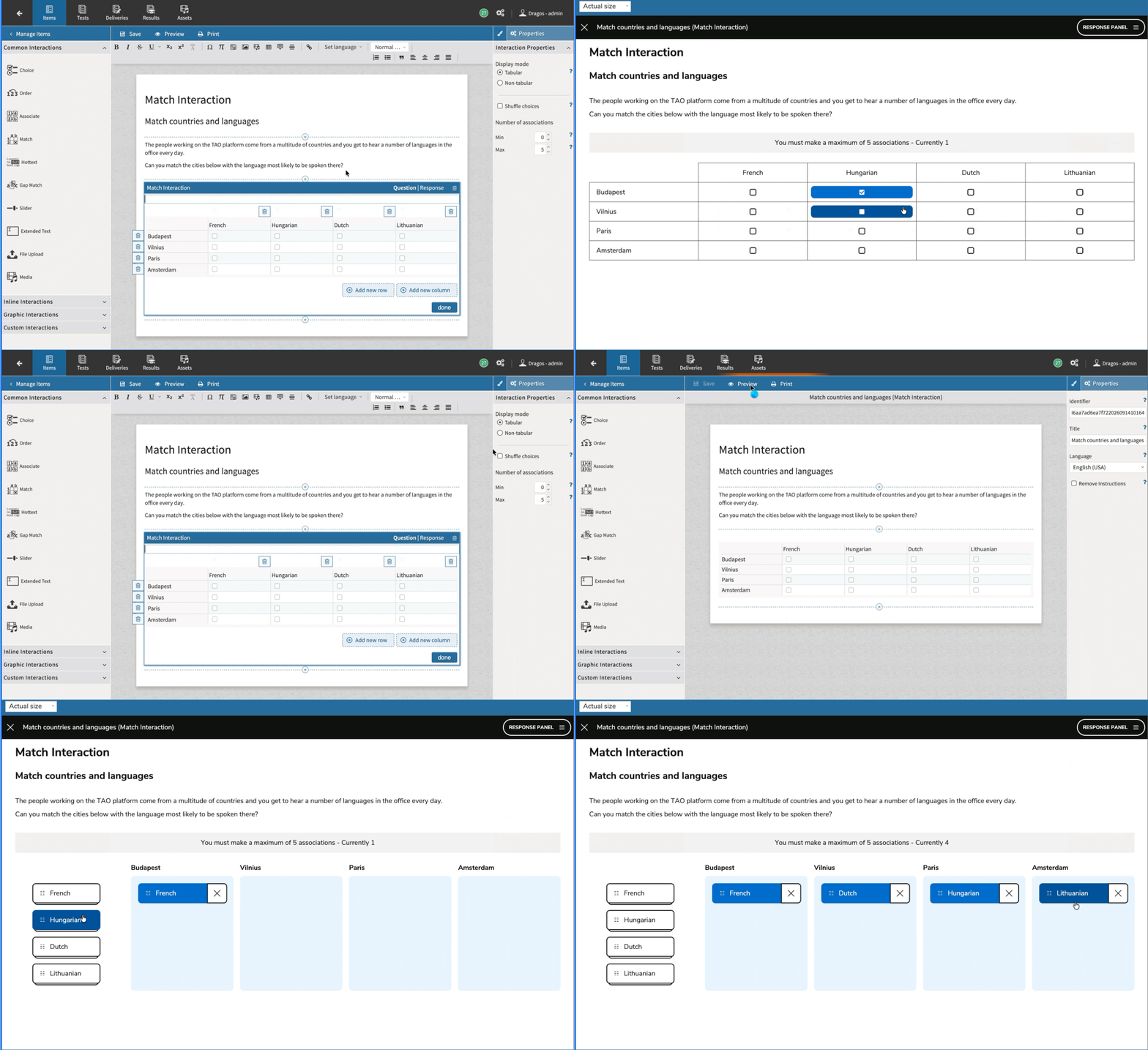
Image pop-up window for test takers
Test takers can now click any image within their questions to open a larger view, zoom in or out, and pan the image independently from the item content. Administrators can enable or disable this feature from System Settings. For more information, see the following articles:
Release enhancements
TAO Authoring
Bug fixes
-
Bug fix: Fixed several ruby-related rendering issues for vertical Japanese text support.
TAO Portal Updates and Fixes
Features and improvements
-
Bulk actions for sessions, users, and groups: Administrators can now perform selected actions in bulk across the sessions, users, and groups modules directly from Data Explorer. This helps reduce repetitive work when managing large programs. For more information, see Editing in bulk using Data Explorer.
-
Productized tags for Portal entities: Tags can now be used more broadly across users, groups, sessions, and assets, including UI management, CSV imports, filters, datastore queries, and Data Explorer use cases. This improves search and locating entities in a large organization.
-
Progress notifications for background operations: Portal now provides progress feedback for long-running background tasks, helping users understand that operations such as large exports or imports are still running.
-
Export results directly from Deliveries page: Administrators and group managers can now export all results associated with a specific delivery across sessions and executions into a consolidated CSV report. For more information, see Exporting CSV results for a delivery.
-
Locale-based date and time formatting: Standardized dates, times, and timezones display across Portal views and reports to reflect tenant-configured locale preferences.
Bug fixes
-
Bug fix: Group managers are strictly restricted from viewing or modifying sessions, users, and groups outside their assigned scopes when attempting to navigate via direct URLs.
-
Bug fix: Resolved an issue where group managers could see user details and lists from groups they do not manage.
-
Bug fix: Fixed an issue where reopening a finished delivery session with expired schedules or active manual scoring left the task permanently stuck in "Awaiting submission" status.
-
Bug fix: The cookie banner now appears only once after a user changes the system language, and will display the newly selected language.
TAO Advance Updates and Fixes
Features and improvements
-
Calculator state and keyboard improvements: The calculator now remains open and preserves its position, size, expression, result, and history while test takers move between compatible calculator-enabled items. The ENTER key now evaluates the current calculation instead of triggering an unintended focused button, while SPACE can continue to be used for triggering those button actions. For more information, see How to use test taker tools in the Knowledge Base.
Bug fixes
-
Bug fix: The basic calculator now accepts the comma key as a decimal separator, matching the behavior of the BODMAS and scientific calculators and improving support for continental-European keyboard layouts.
-
Bug fix: Calculator keyboard input now continues working after focus moves to another tool, such as the scratchpad, and then returns to the calculator. Operator keys requiring a modifier are also handled more reliably.
TAO Grader Updates and Fixes
Bug fixes
-
Bug fix: Read-only scoring tasks are no longer incorrectly shown in the Incomplete tab when administrators or group managers view scores.
-
Bug fix: Administrators can now access the Review scores action after reopening scoring review for read-behind sessions.