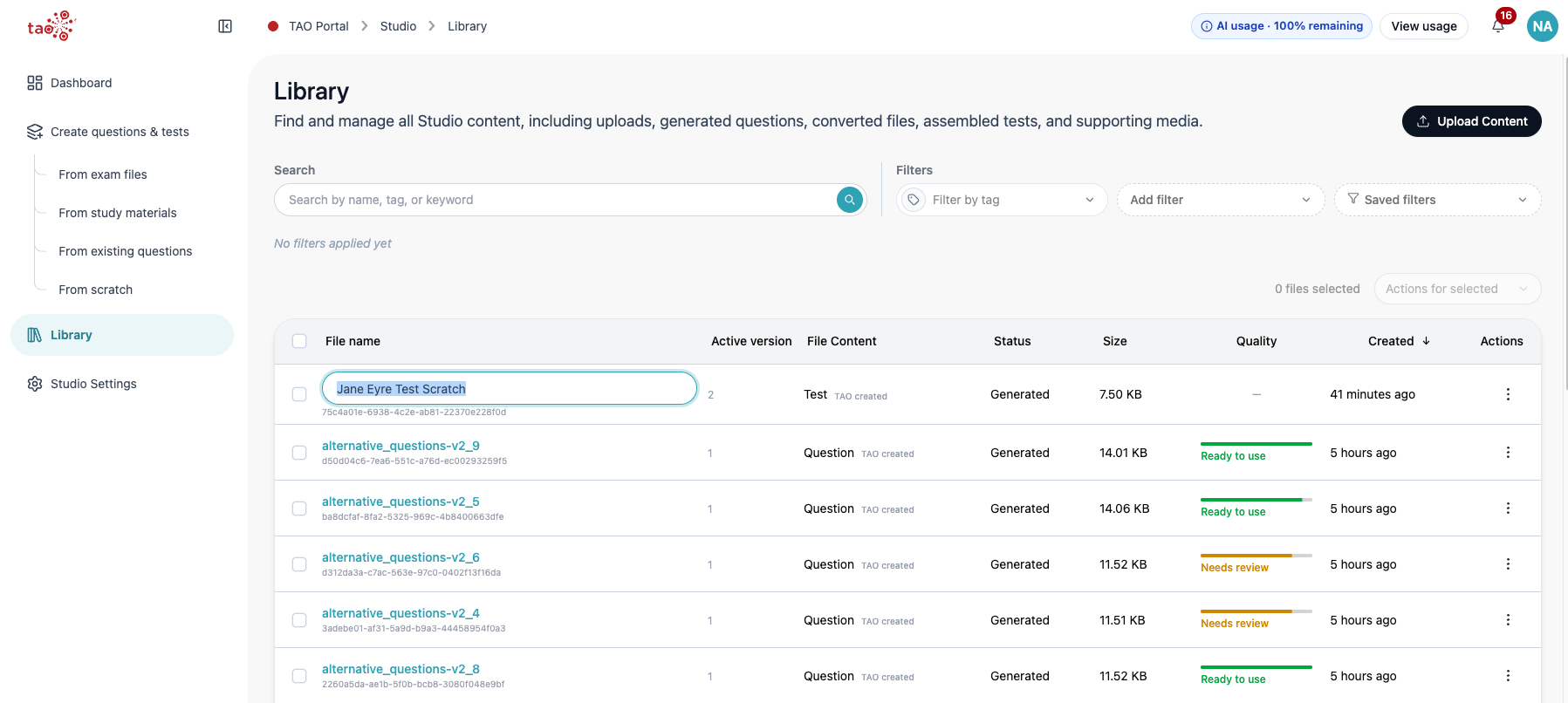
You can edit an item or test directly from the library. TAO Studio starts an editing session and opens the item or test editor in a large editing sheet over the library.
-
Open Library.
-
Locate a question or test.
-
Open the file to see details.
-
Open Actions and select Edit.
-
Wait for the embedded editor to load.
-
Use Close to leave the editor.
-
If the editor has unsaved changes, TAO Studio asks for confirmation before discarding the session.
You can edit the title of any file by double clicking the file name, writing the new title, then clicking Enter.