
Applies to
Personas
-
Administrators
-
Content developers
Purpose
TAO offers a wide range of interactions, each designed to assess knowledge in different ways. Rather than selecting an interaction based on its name alone, begin by considering what you want the learner to do.
This guide introduces a task-based approach for selecting interactions, helping you match assessment objectives with the most appropriate interaction type.
Start with the learning task
Instead of asking "Which interaction should I use?", ask: "What do I want the learner to demonstrate?"
Most assessment tasks fall into one of four categories.
|
If you want learners to... |
Task Type |
Typical Interactions |
|---|---|---|
|
Choose or identify the correct answer |
Identify |
Choice, Hotspot, Slider, Select Point |
|
Match, connect, or order information |
Connect |
Match, Associate, Order, Graphic variants |
|
Fill in missing information or validate content |
Complete |
Text Entry, Inline Choice, Gap Match, Hottext |
|
Create or explain something in their own words |
Produce |
Extended Text, Text Entry, File Upload |
Choosing the right interaction
Identify
Use Identify interactions when learners must recognize the correct answer from available possibilities.
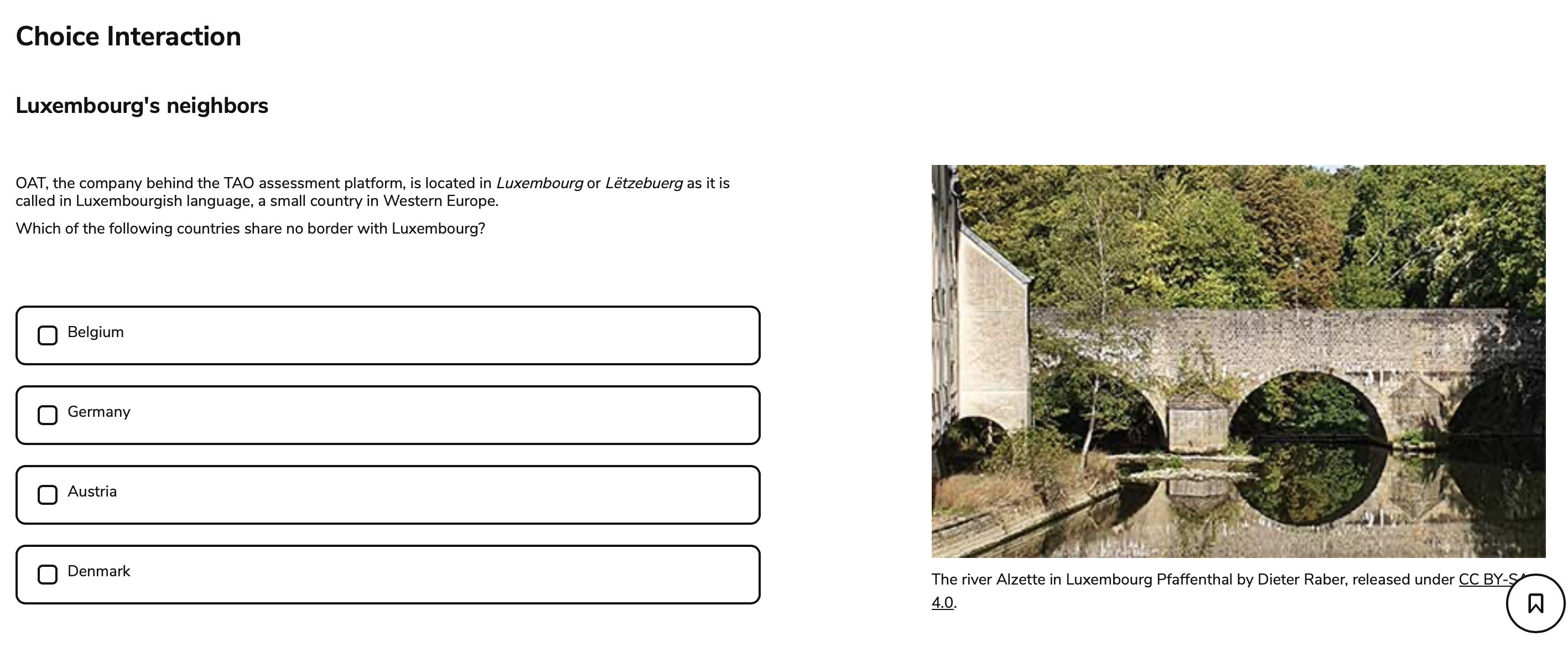
Typical activities include:
-
Multiple choice
-
Multiple response
-
True/False
-
Selecting a location on an image
-
Choosing a value on a scale
Recommended interactions:
Choose graphic interactions (such as Hotspot) when the answer depends on interpreting an image rather than reading text.
Connect
Use Connect interactions when learners must establish relationships between pieces of information.
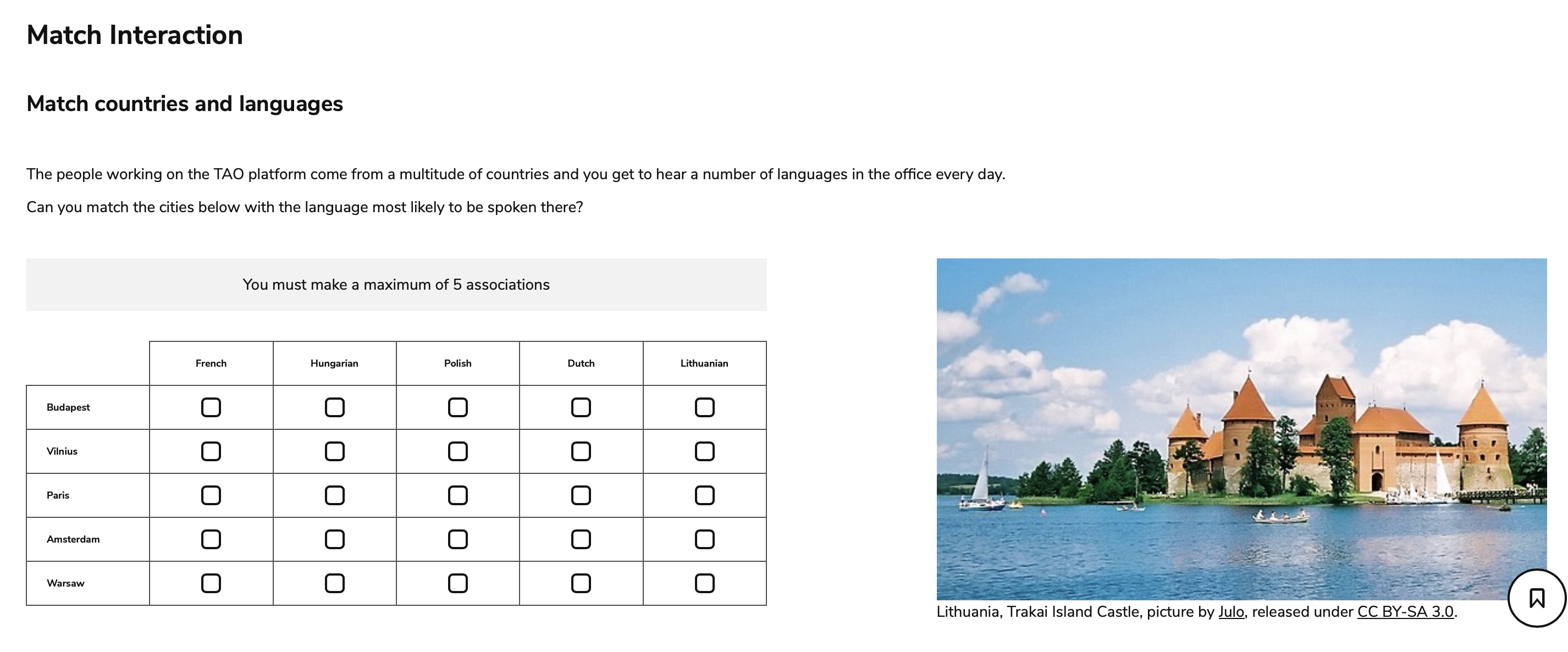
Typical activities include:
-
Matching terms and definitions
-
Connecting images
-
Categorizing information
-
Sequencing events
-
Ordering steps
Recommended interactions:
Consider whether your activity requires:
-
two separate sets of information (Match), or
-
one pool of related information (Associate).
Complete
Use Complete interactions when learners finish or validate an existing structure.
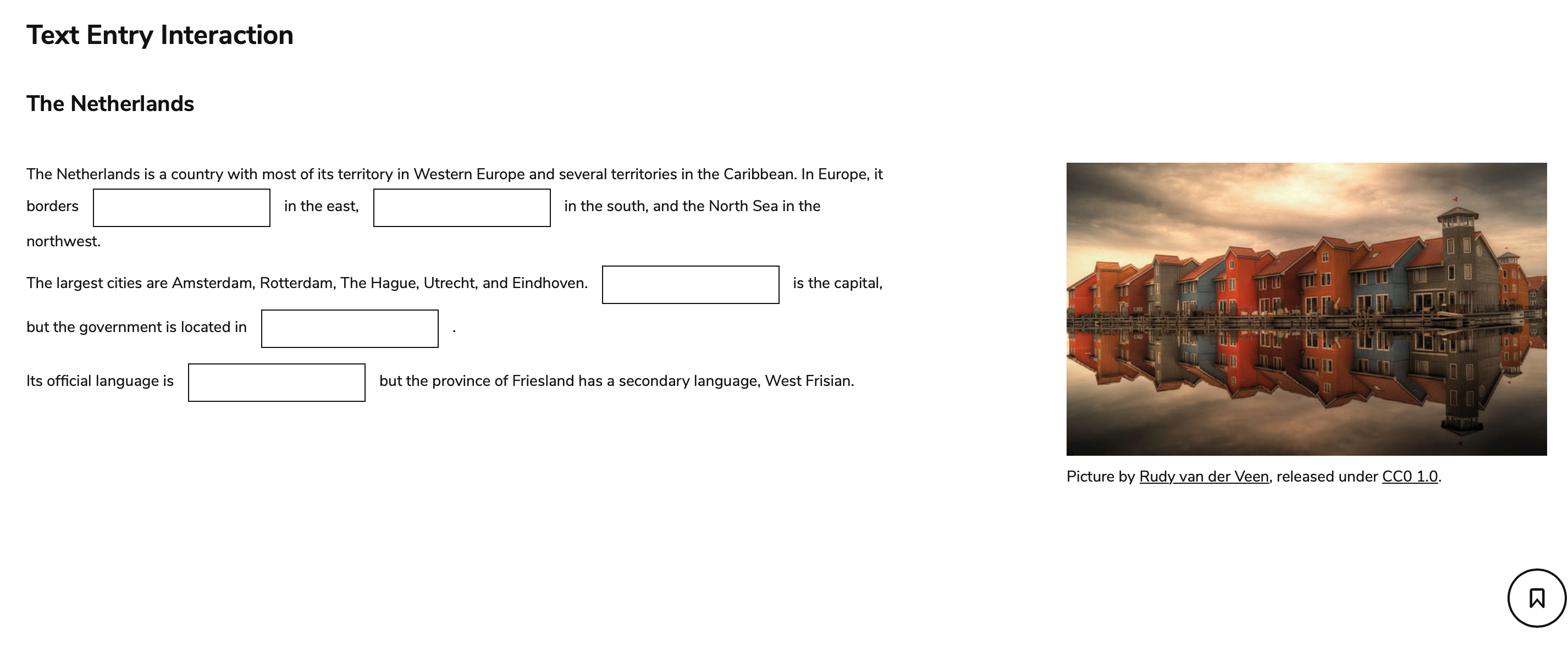
Typical activities include:
-
Gap-fill exercises
-
Completing sentences
-
Choosing missing words
-
Identifying incorrect text
Recommended interactions:
Produce
Use Produce interactions when learners create their own response.
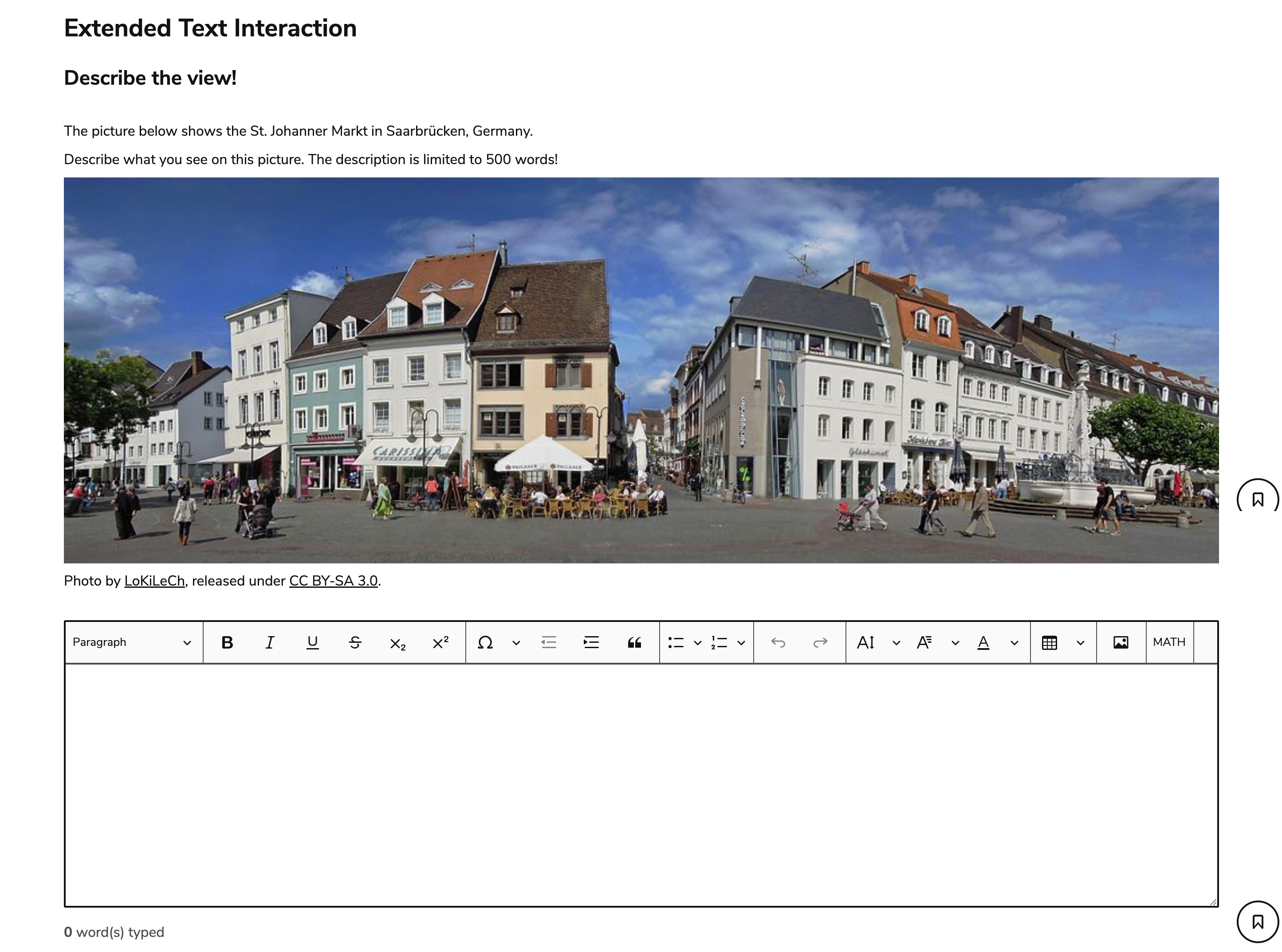
Typical activities include:
-
Essays
-
Solving math equations
-
Short explanations
-
Constructed responses
-
Creative writing
-
Uploading projects or artwork
Recommended interactions:
These interactions provide the greatest freedom and are often used when assessing higher-order thinking or communication skills.
Consider more than the task type
After identifying the task type, consider these additional factors before choosing an interaction.
1. How much guidance should the learner receive?
Different interactions provide different levels of support.
|
More guidance |
Less guidance |
|---|---|
|
Gap Match, Inline Choice |
Extended Text |
|
Multiple Choice |
Text Entry |
Providing fewer hints generally increases the difficulty of the task.
For example:
-
Inline Choice supplies possible answers.
-
Text Entry requires learners to generate the answer independently.
2. How language-dependent is the task?
Some interactions rely almost entirely on text, while others are primarily visual.
Choose graphic interactions when:
-
reading ability is not being assessed
-
visual interpretation is the learning objective
-
accessibility or multilingual delivery is important
Choose text-based interactions when:
-
language comprehension is part of the assessment
-
learners need to explain or justify their reasoning
3. What kind of response do you need?
The expected response often determines the interaction.
For example:
|
Response required |
Recommended interaction |
|---|---|
|
Select one answer |
Choice |
|
Select multiple answers |
Choice (multiple response) |
|
Locate something on an image |
Hotspot or Select Point |
|
Match related concepts |
Match or Associate |
|
Put events in order |
Order |
|
Fill in missing words |
Inline Choice, Gap Match, or Text Entry |
|
Write a paragraph |
Extended Text |
|
Upload a completed project |
File Upload |