
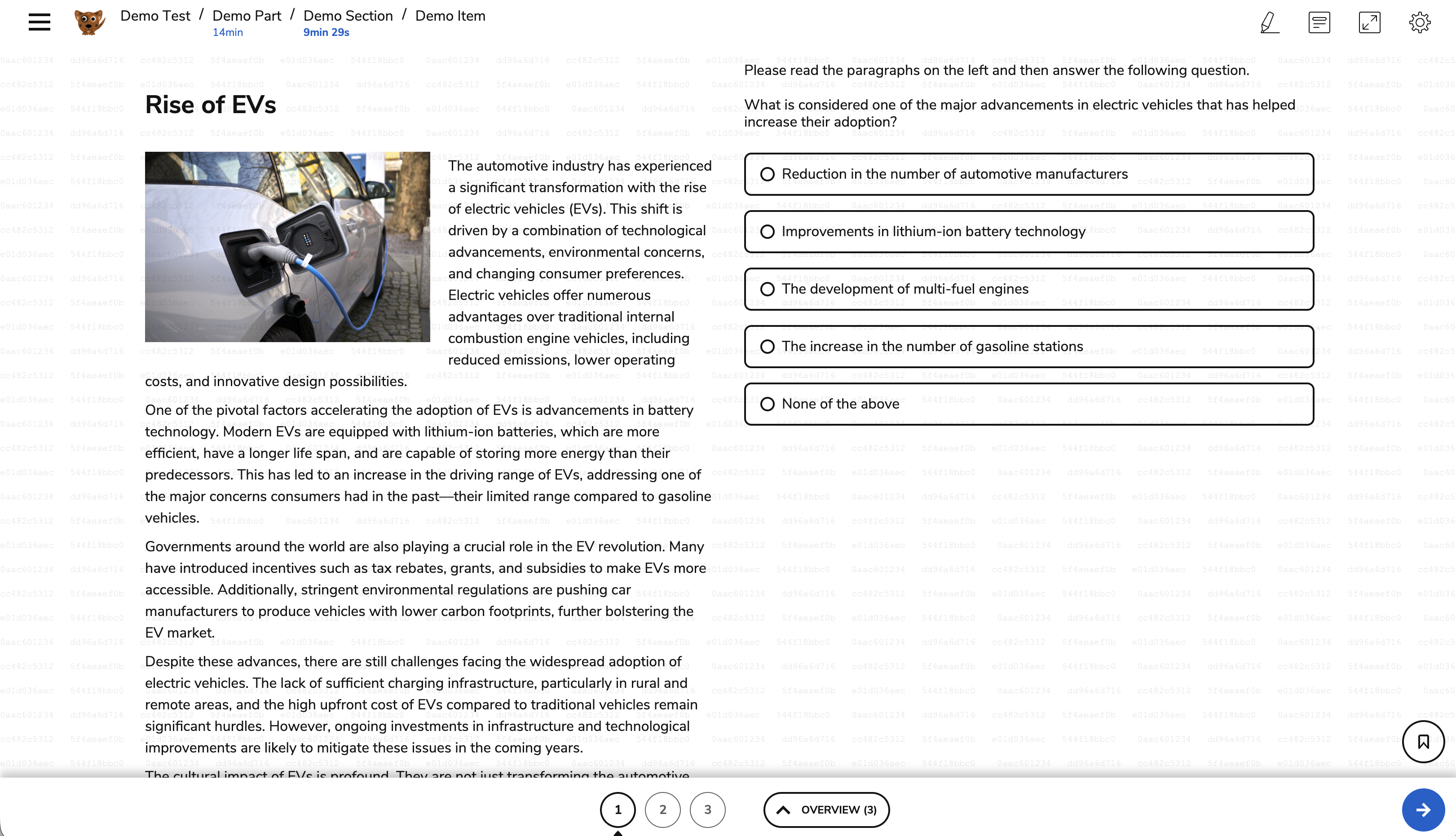
TAO Advance now supports a unique, per-test-taker watermark displayed during assessment delivery. The watermark helps discourage test content leakage by providing traceability for any content that is shared via screenshots or screen recordings.
The watermark is rendered as a semi-transparent overlay of alphanumeric characters divided into groups. The groups consist of portions of the test taker’s login hash, which is 60 characters.
The watermark is applied to a whole session or parts of a test (see sections below). Aside from enablement, no additional configuration is required.
Configuring for a session
When creating or editing a session, under Security options select Show a watermark during the assessment.
Configuring for parts of a test during a session
The watermark can be applied to specific parts, sections, or items of a test in Test Authoring by adding a category.
Searching for a test taker’s watermark
The watermark displayed on the screen is based on the user’s login hash. For display purposes, the hash is split into six chunks, which are repeated across the screen.
The hash of the user login can then be found to track back the user it belongs to, using Data Explorer or Dynamic Query (TAO Insights API).
To identify the user associated with a watermark, an administrator must:
-
Identify all six chunks of the login hash shown in the watermark.
-
Combine the six chunks in the correct order to reconstruct the complete login hash.
-
In Data Explorer, select Portal User as the Data Setup entity. For more information, see Portal User.
-
Under Filters, select the Login Hash field.
-
Enter the complete Login Hash to locate the associated user.
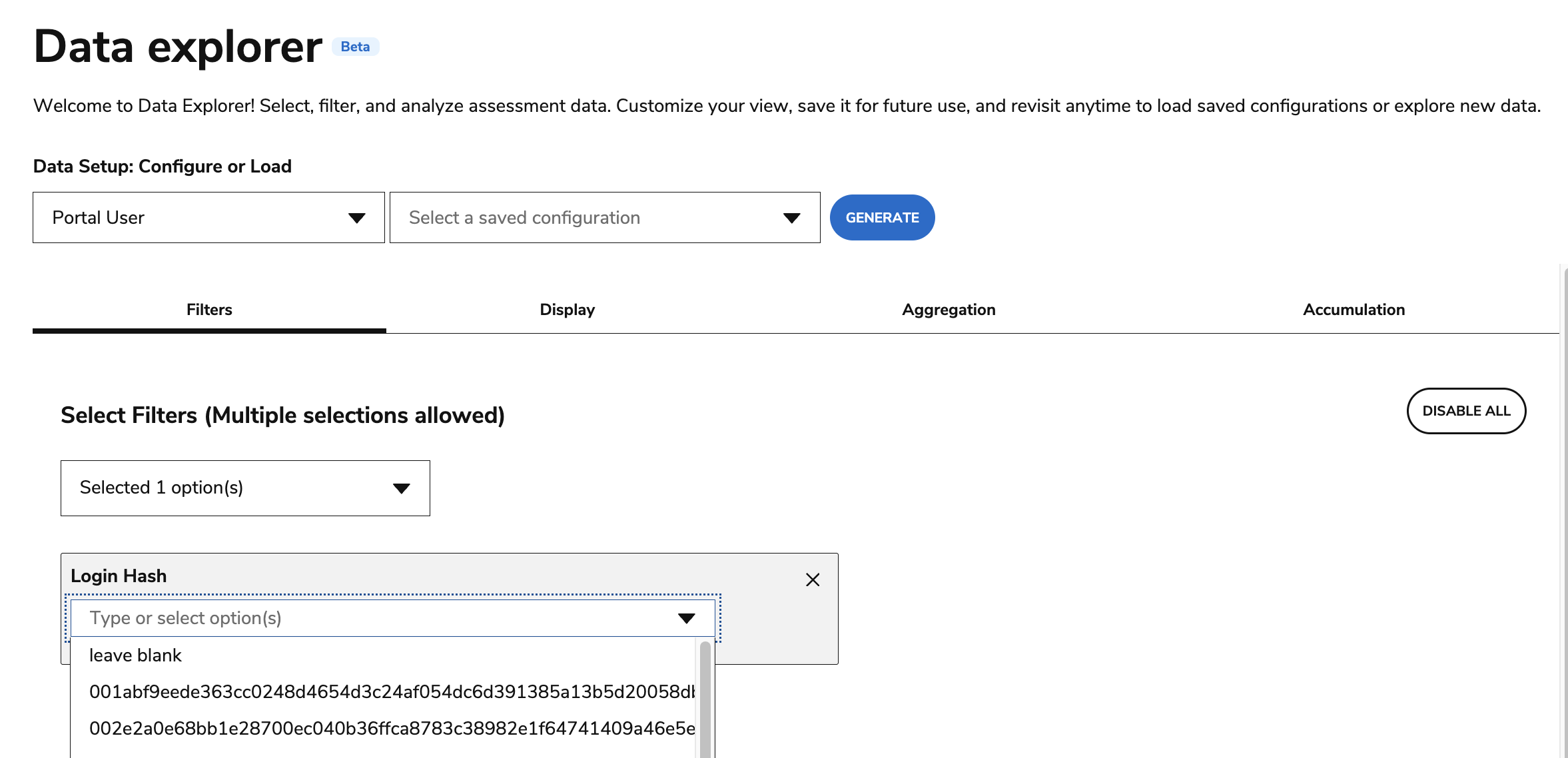
Current limitation: Data Explorer does not support searching for part of a login hash that is not the first 6 characters. The first several characters of the login hash must be entered exactly. As a result, administrators must manually reconstruct the hash from the watermark before they can search for the associated user. This process requires careful transcription and ordering of the six chunks and may be time-consuming and prone to input errors.