
Related articles
Applies to
-
Administrators
Prerequisites
-
Access to the Data Explorer feature in TAO Portal.
-
Knowledge of the entity or data you want to retrieve.
Purpose
Use Data Explorer to search, filter, and export raw TAO data without using the API. You can also save query configurations for future use. This article describes how to run a basic search using the Filters and Display tabs.
Important: Data Explorer is a beta feature, and is subject to change in occasional inconsistencies.
Steps
-
Open Data Explorer in TAO Portal.
-
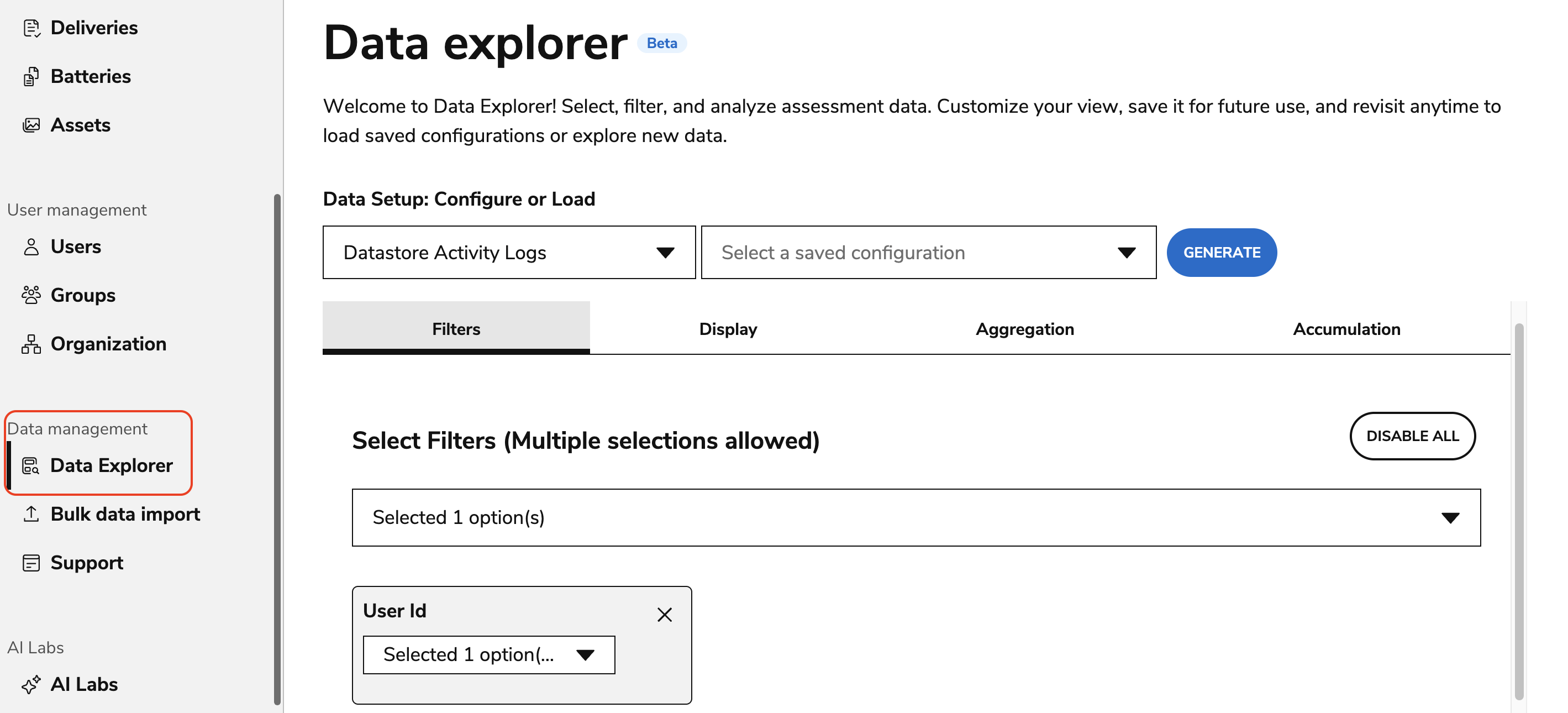
From Data Setup, select the entity you want to query.
-
Open the Filters tab and apply one or more filters to narrow your search.
-
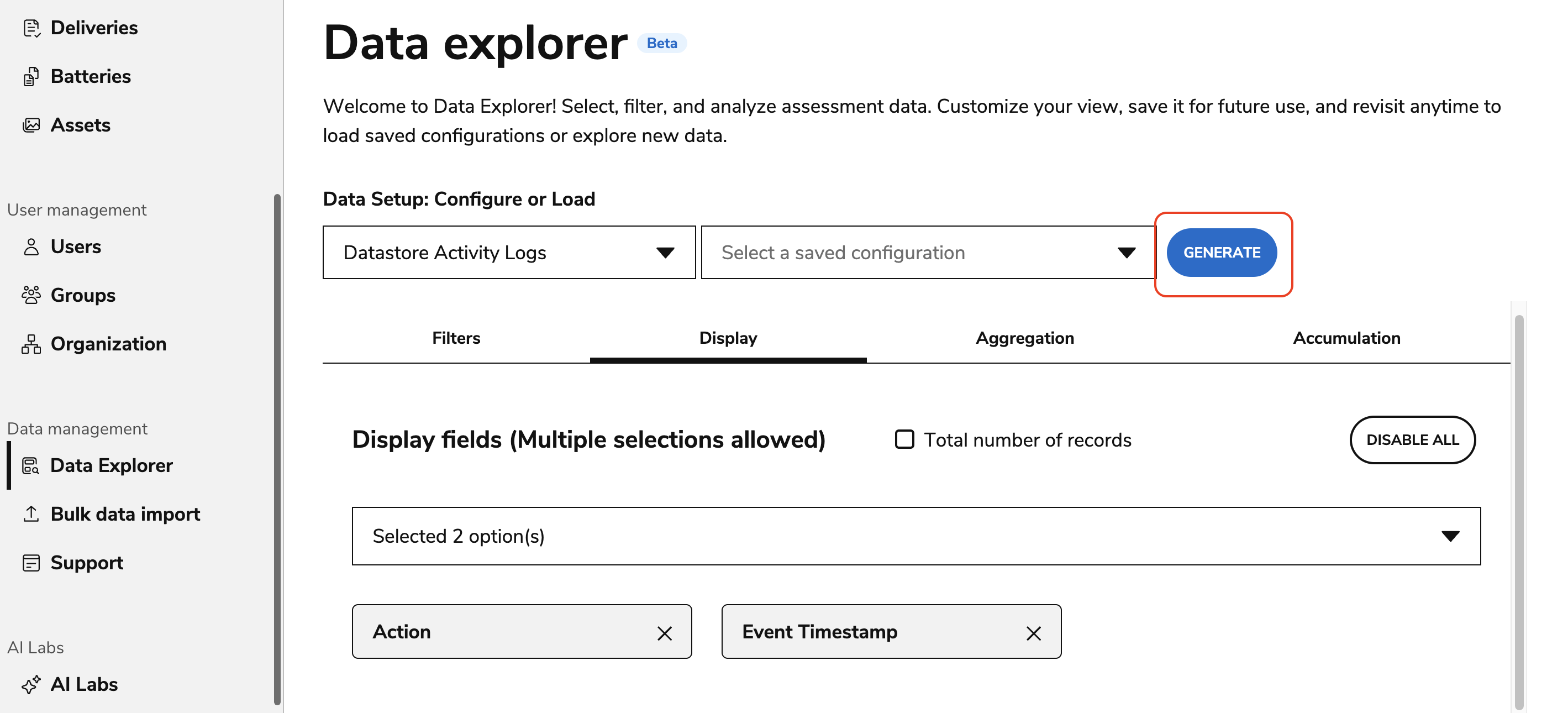
Open the Display tab and select the fields you want to include in the results.
-
Select Generate to run the query.
Tip: Large queries with few or no filters (or selecting all tabs for Display) may fail. Apply filters or reduce the number of displayed fields to improve performance.
-
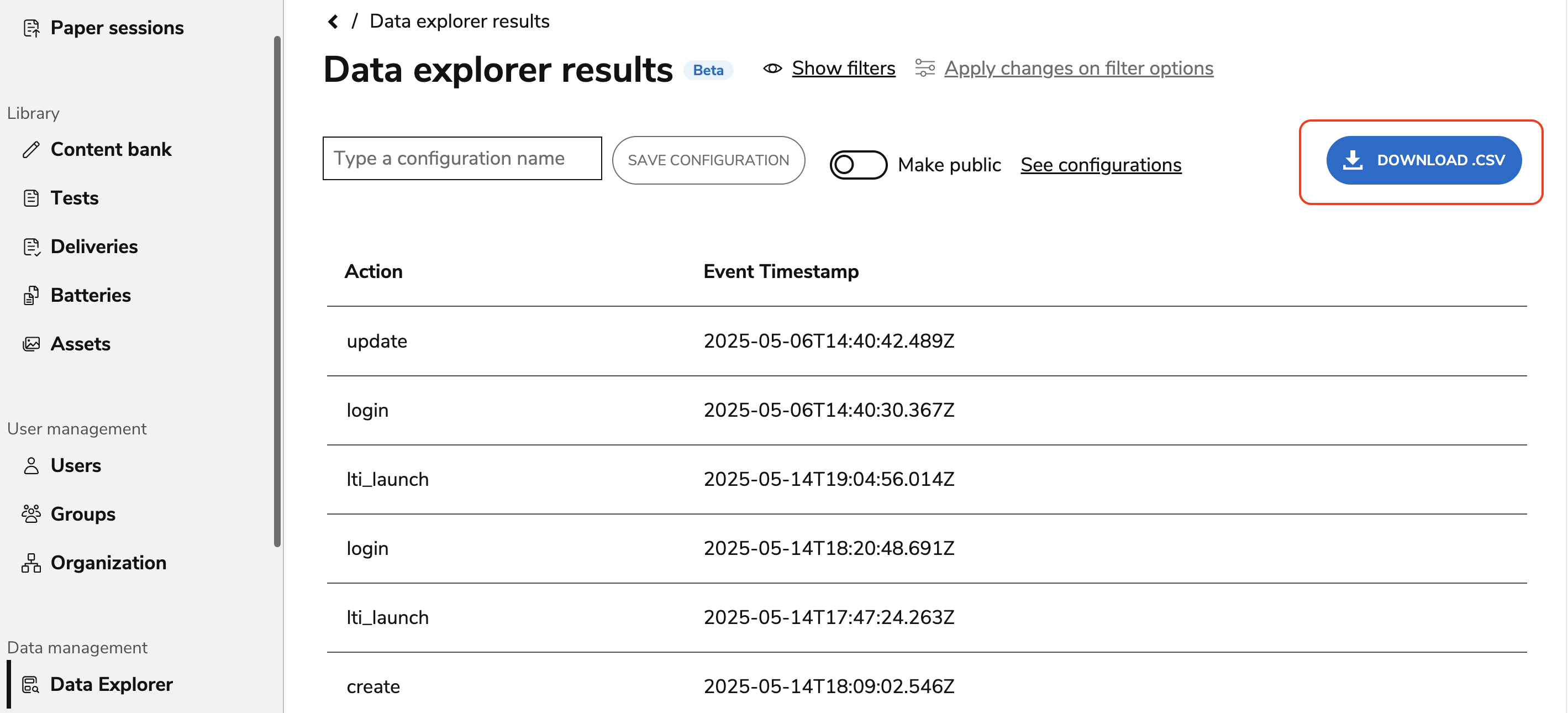
(Optional) Select Download CSV to export the results.
For detailed information about entities, filters, aggregation, accumulation, and pattern syntax, see the Data Explorer Entities.
(Optional) Save a query configuration
-
After configuring your query, enter a name in Save Configuration.
-
Enable Make public to share the configuration with other Data Explorer users.
-
Select Save Configuration.
To view, reuse, or delete saved queries, select See Configurations.
Use advanced query options
Data Explorer also provides advanced options to further refine query results. For more information on the following tabs, see Data Explorer.
|
Option |
Use to |
|---|---|
|
Aggregation |
Group results and calculate counts for a selected field. |
|
Accumulation |
Calculate values such as averages for aggregated data. |