
Applies to
-
Administrators
-
Group Managers (with group creation permissions)
Prerequisites
-
Permission to create groups.
-
(Optional) Users already exist in TAO if you want to assign them during group creation.
Purpose
Create groups to organize users and manage assessment sessions. You can assign users and group-specific roles during creation or at a later time.
For more information about group roles, organizational units, and user assignments, see Rostering.
Steps
-
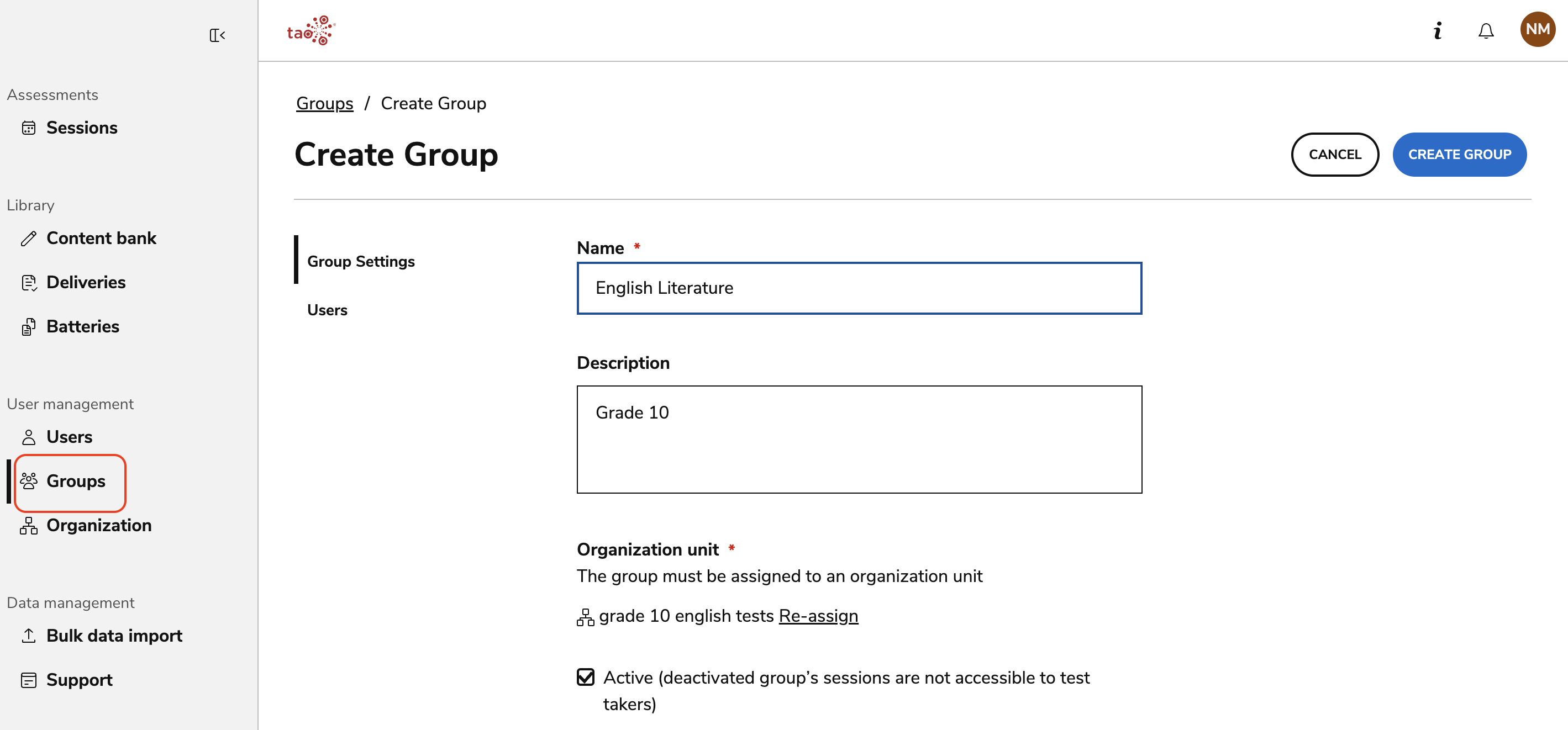
In TAO Portal, select Groups from the main menu.
-
Select Create Group.
-
Complete the required fields in the Group Settings tab:
-
Name
-
Organizational Unit
-
(Optional) Description and Active status (new groups will default to Active)
-
-
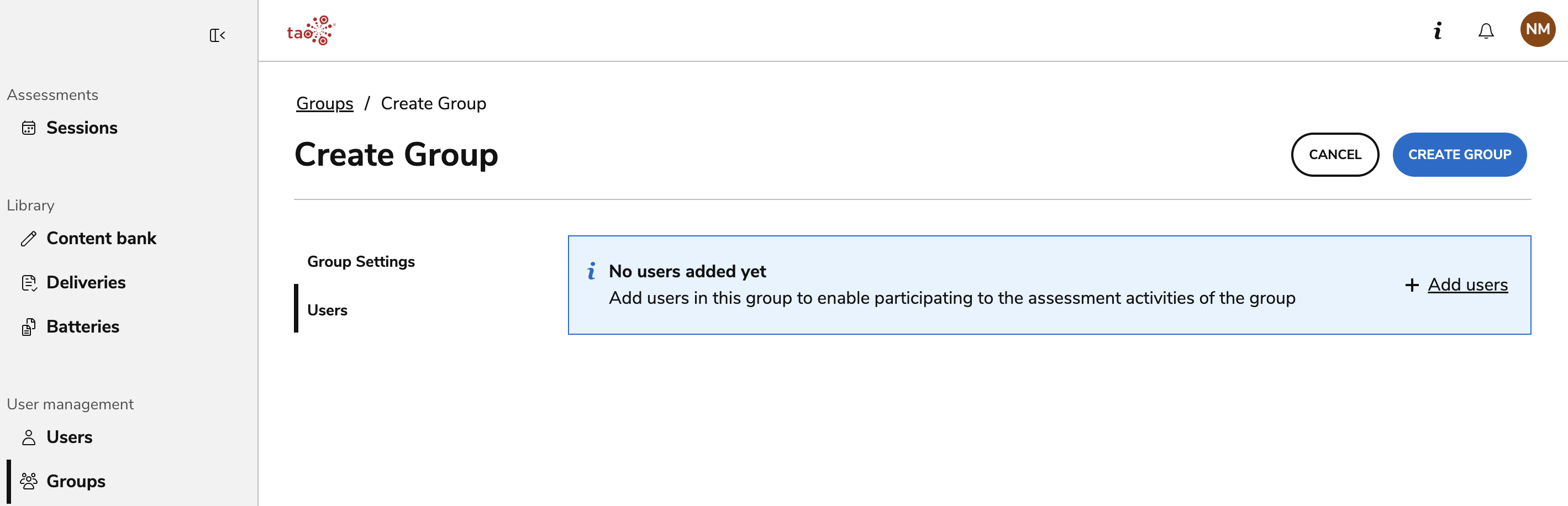
(Optional) Open the Users tab.
Users can also be added to groups after group creation, from User management.
-
Select Add Users.
-
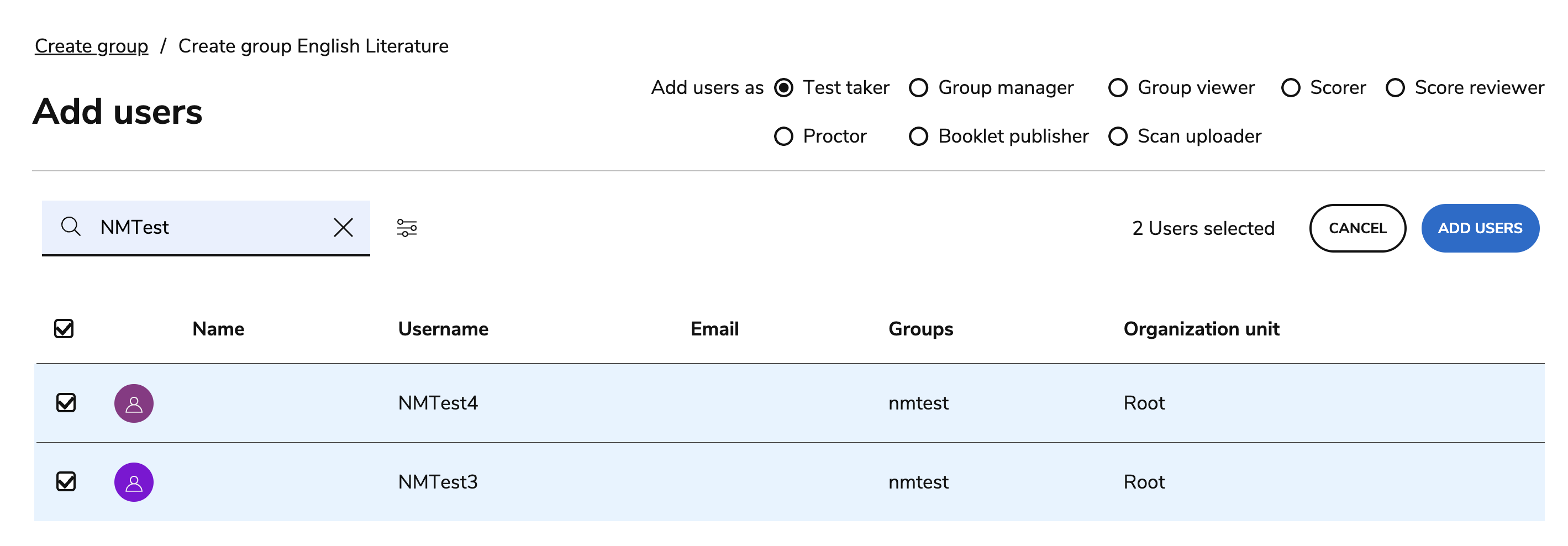
Use the search bar, or use the filters to search by Login or Name.
-
After completing the search, select one or more users.
-
Ensure that the appropriate group role for the user(s) is selected in the top-right corner.
-
Select Add Users. This action adds the users and redirects you to the group creation form.
-
Select Create Group and confirm.