Organizational units are composed of users and groups and are part of a hierarchy structure. Using the hierarchy structure ensures that users included in an OU cannot access data in a different OU.
The hierarchy structure can be viewed by navigating to the Organization section in the main menu of the TAO Portal, or via the side bar menu (Organization).
1. From the hierarchy tree, select the OU that you want to move the group from.
2. Select Move groups.
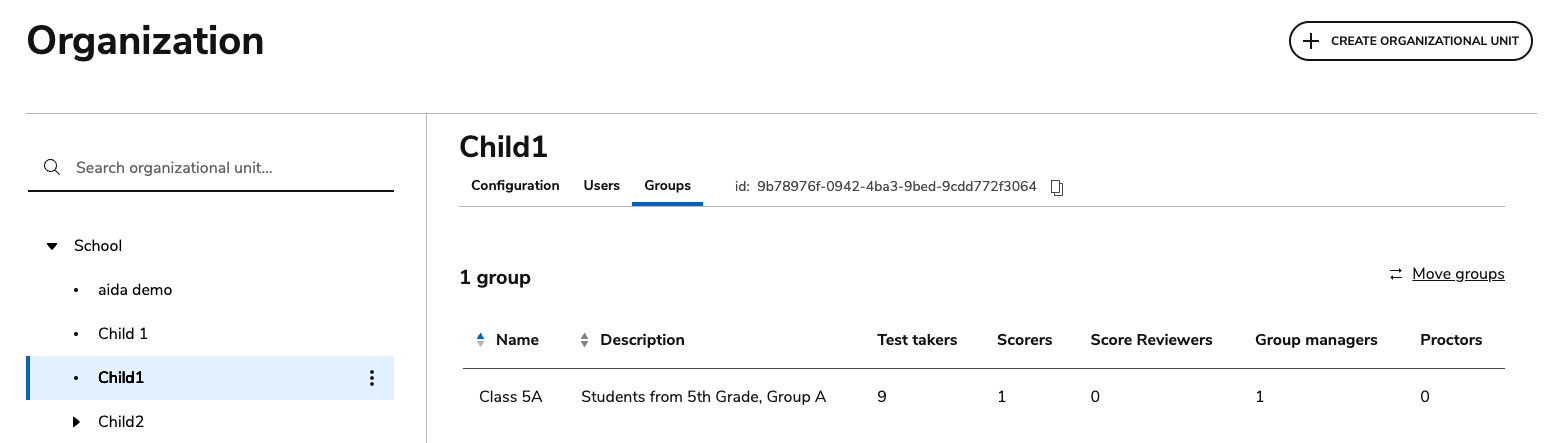
Select all the groups you want to move and click MOVE GROUPS.

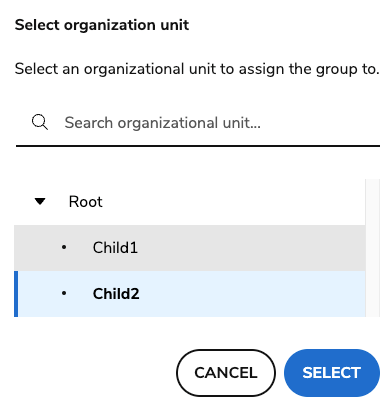
Select the OU that you want to move the group to.